
Your list, on all your screens.
No typing: set it up on your phone and scan a QR code on your TV.




- No ads
- 18 languages
- No content included: you bring your own list
Three steps. You barely touch the remote.
Create your account
At owlo.app, on your phone or computer. With your email or with Google. No card needed.
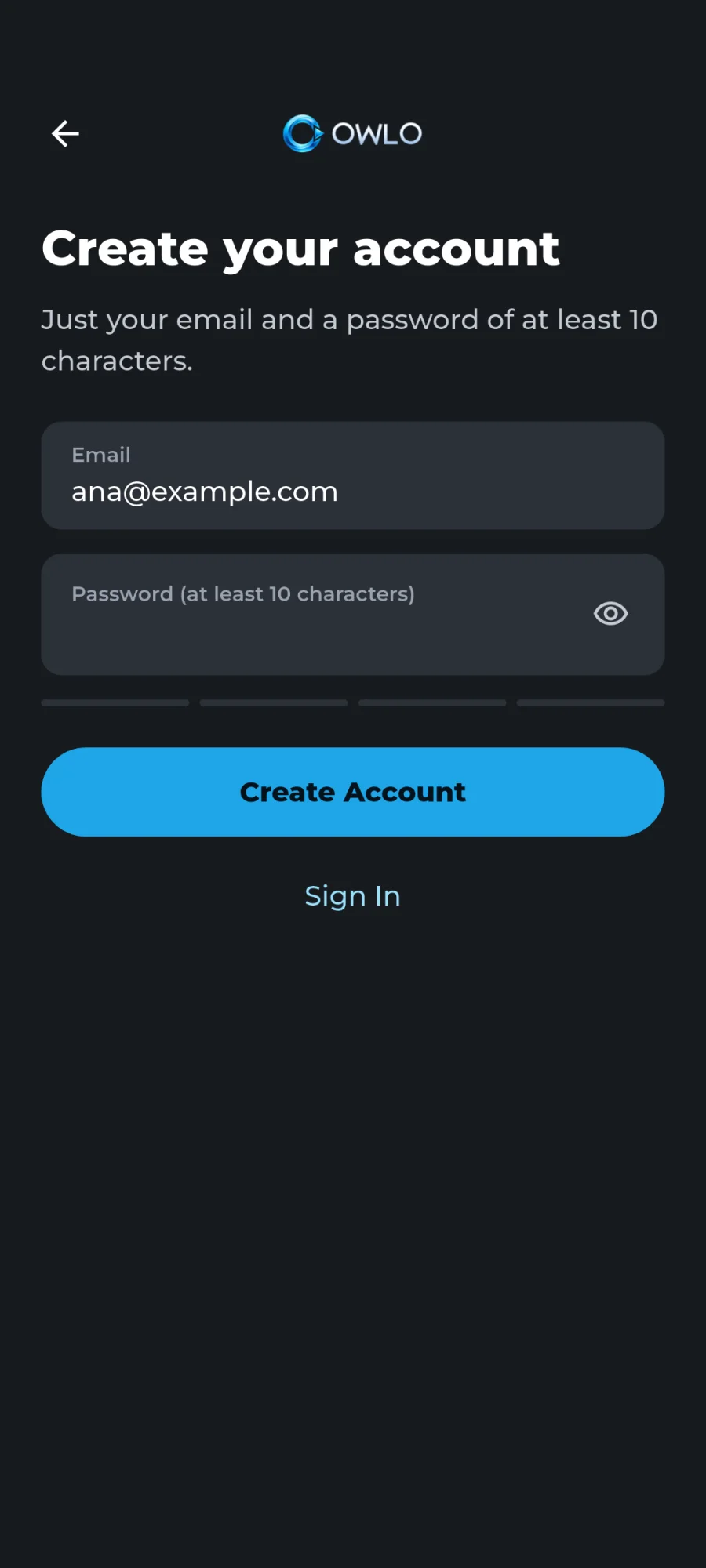
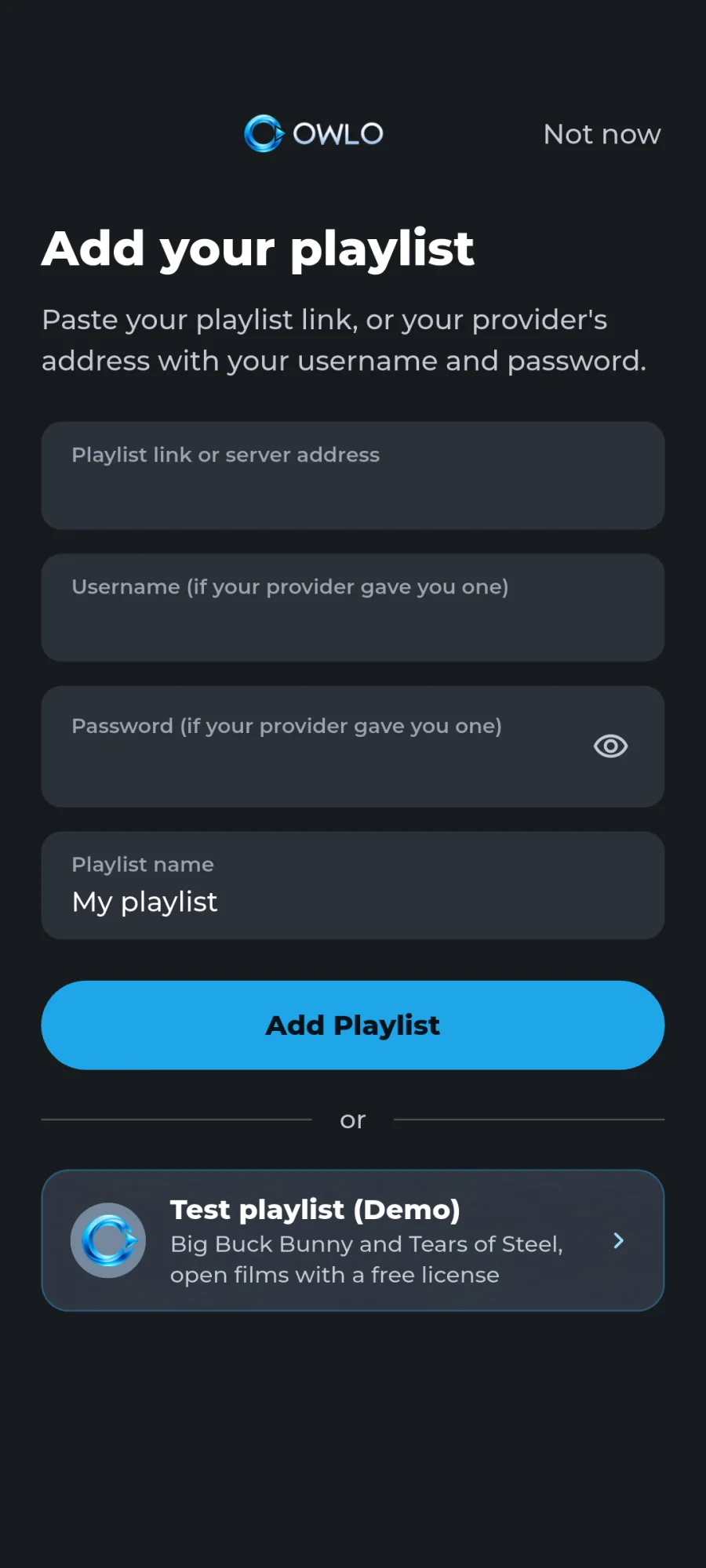
Add your list
Paste the message your provider sent you and Owlo picks out the details. Don’t have one yet? Try it with free animated short films from the Blender Foundation.
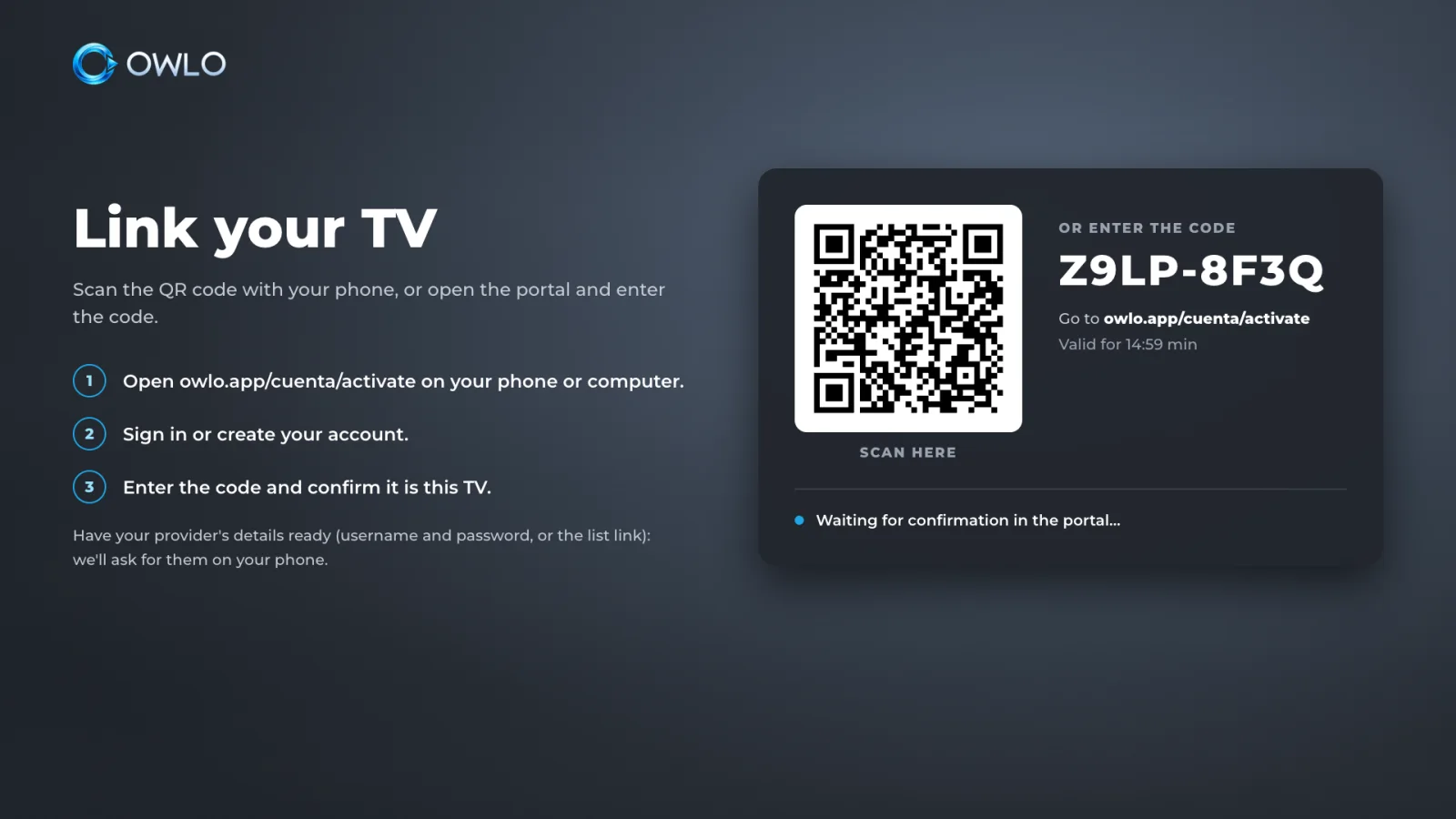
Scan the QR code on your TV
Open Owlo on the TV, scan the code with your phone, confirm, and the TV starts on its own.
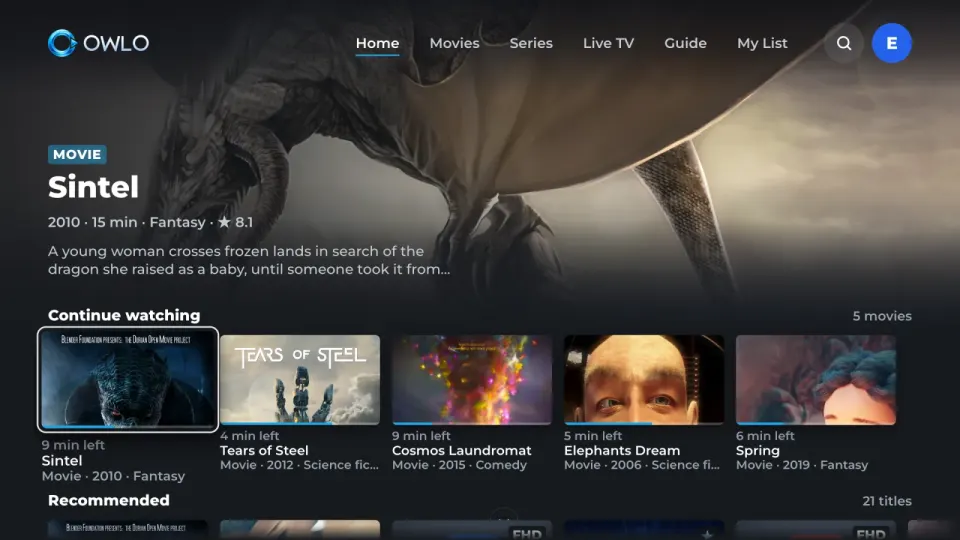
Start in the living room. Carry on in the bedroom.
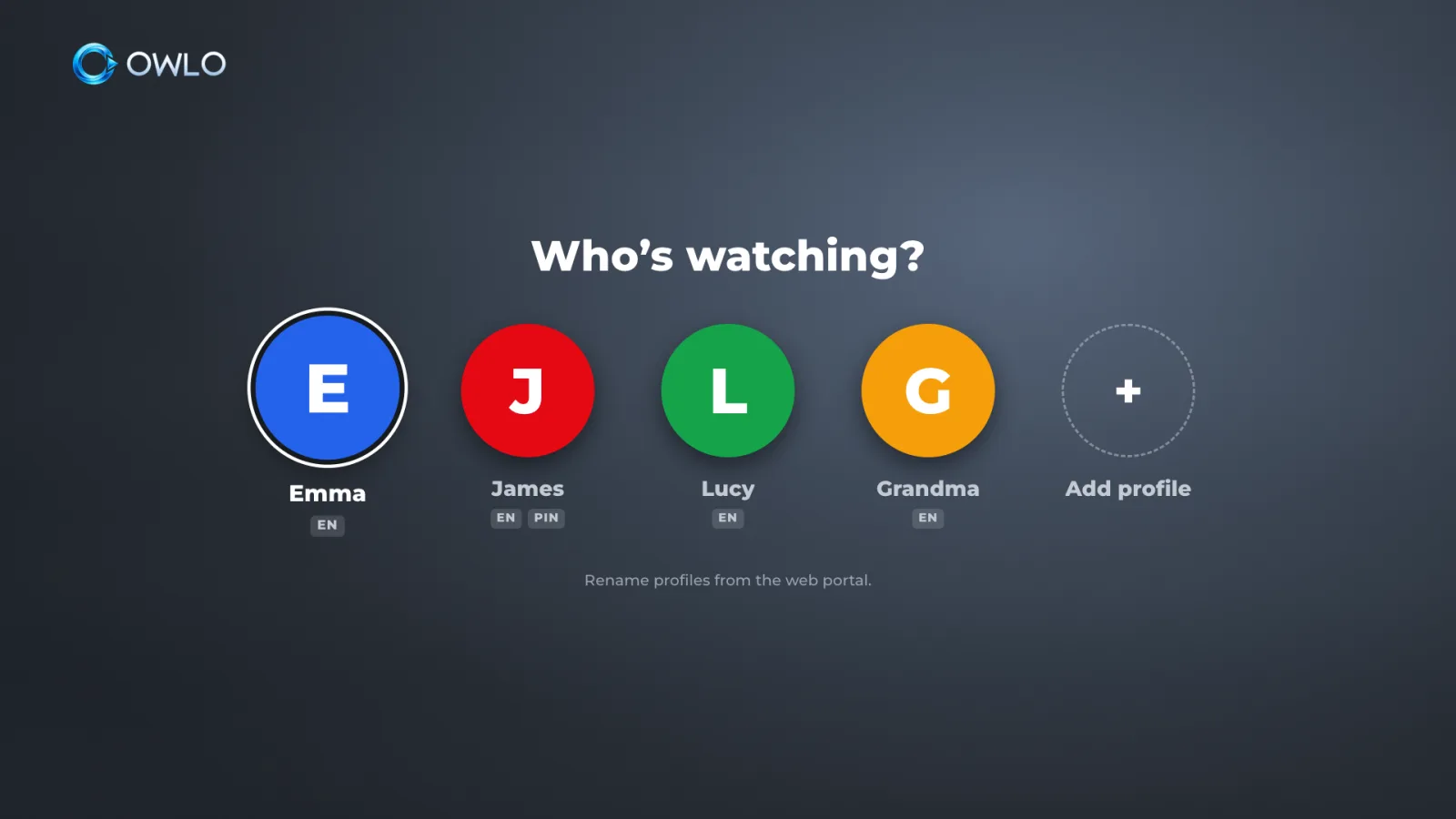
Your list, your profiles, your favourites and “continue watching” travel with your account, down to the exact second you left off. Up to 5 devices at once.
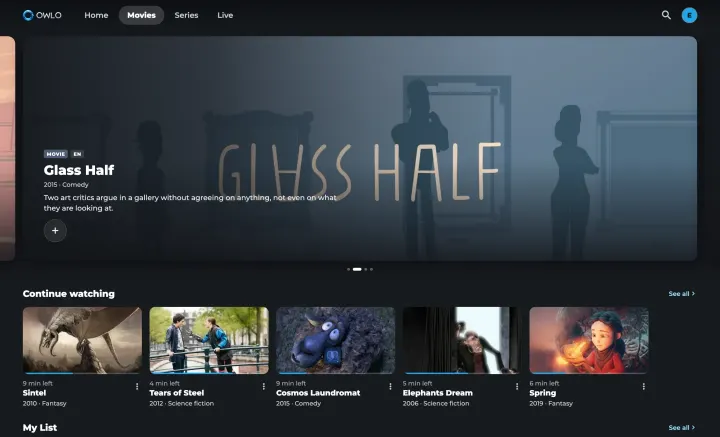
Owlo is for the living room, the bedroom, the kids, your language and the whole home.
Your list has never looked like this.
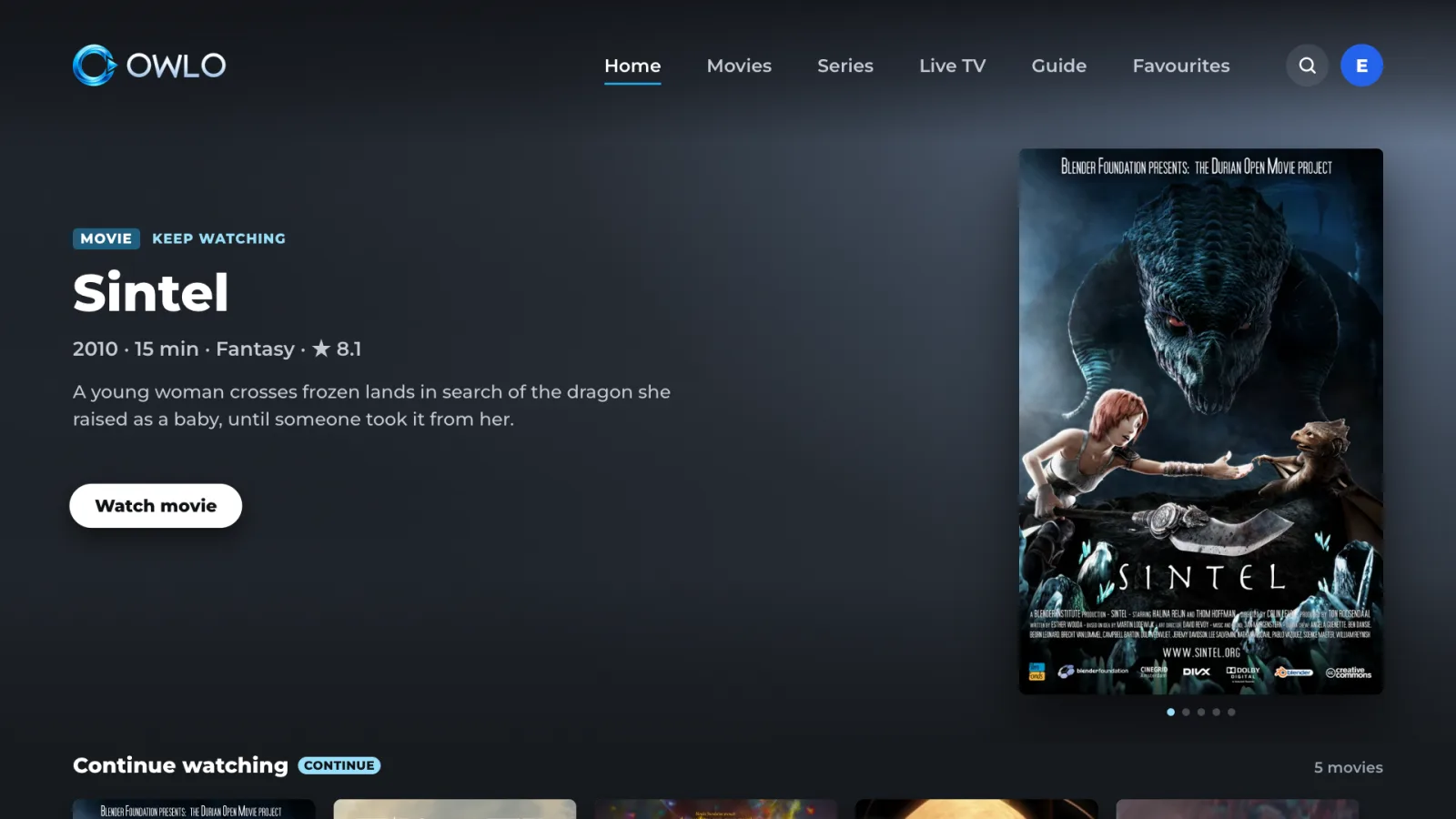
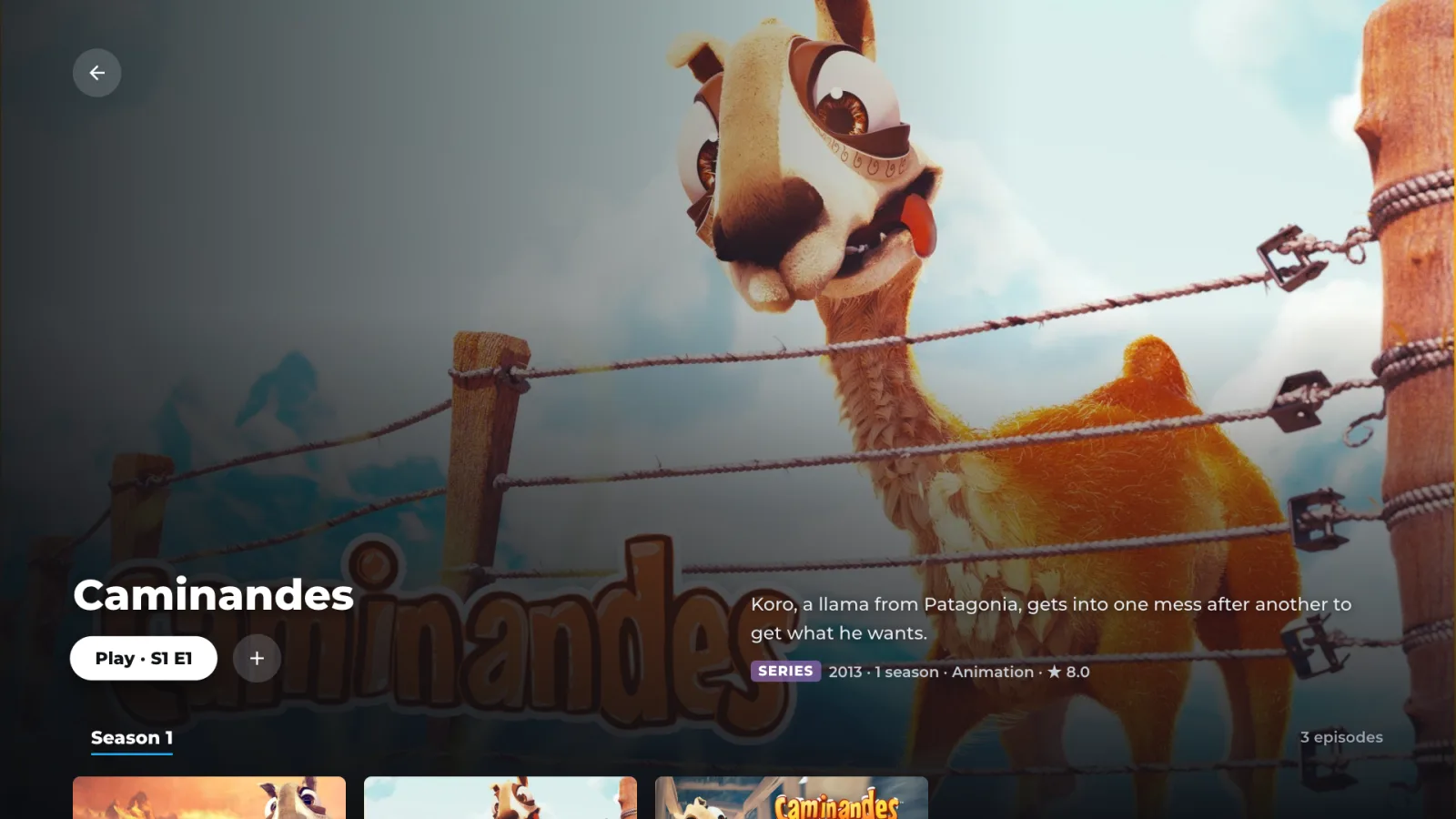
Films, series and live TV kept apart, with posters, details, seasons and episodes. All worked out on your devices, just for your account.
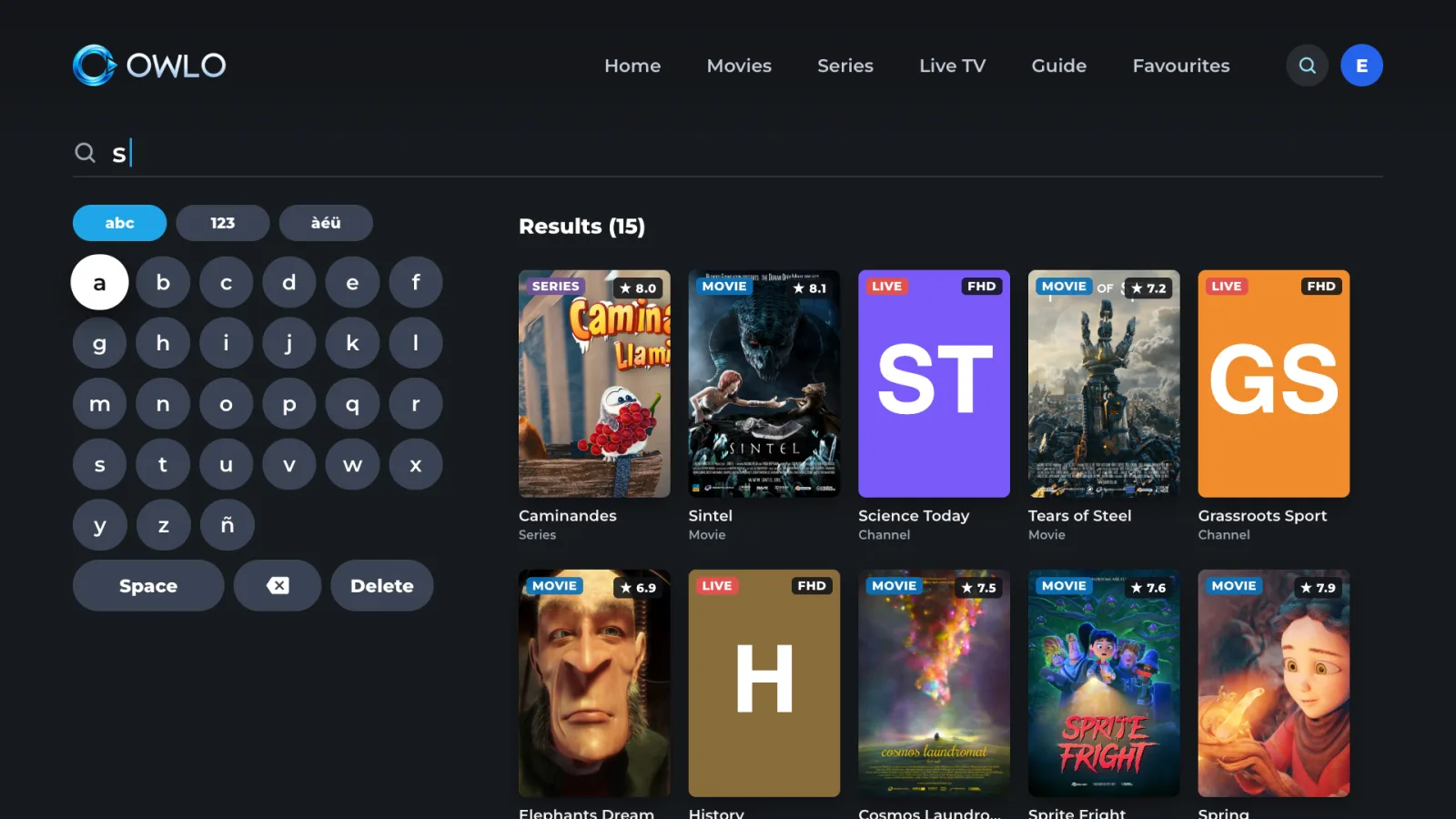
-
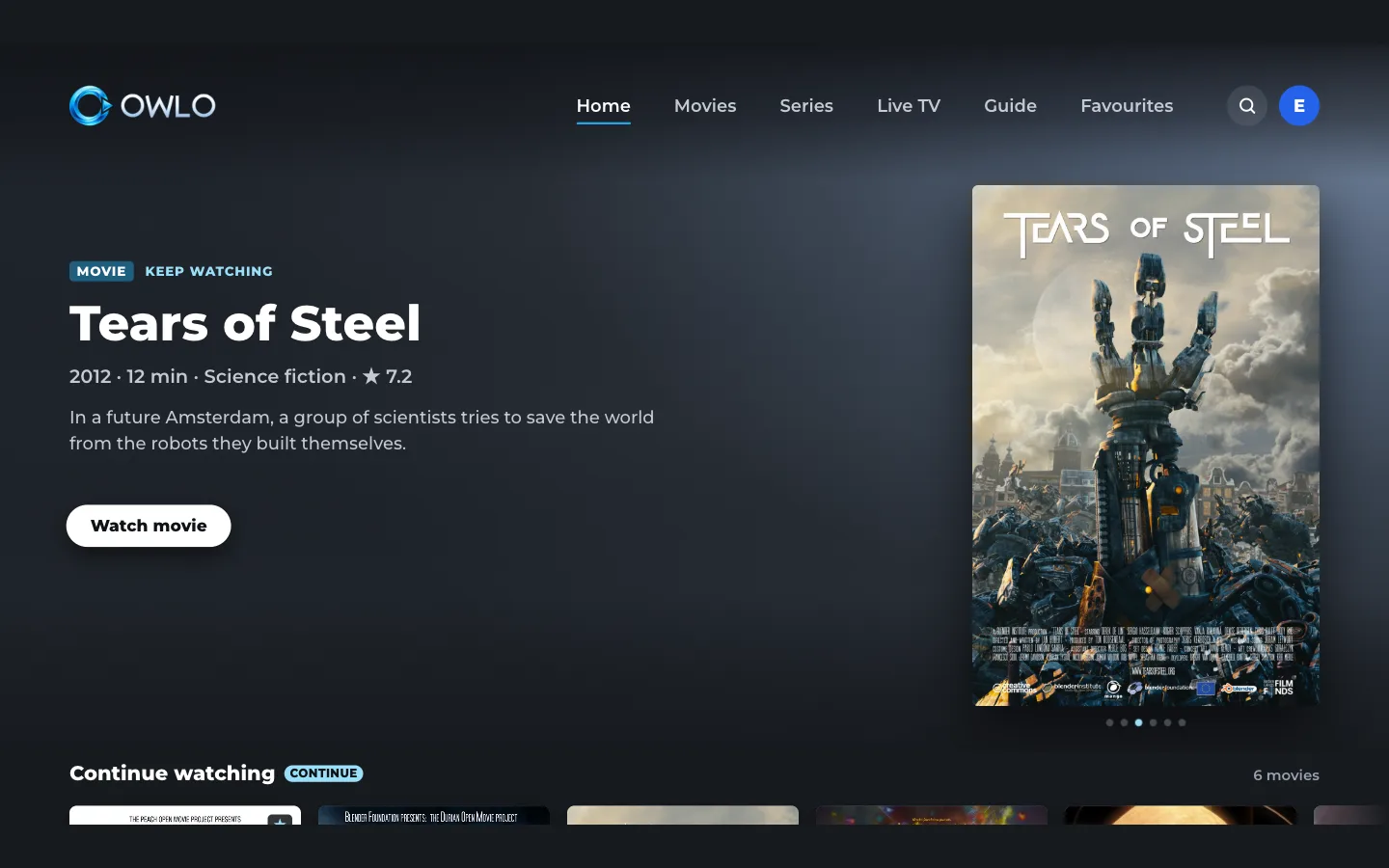 Computer
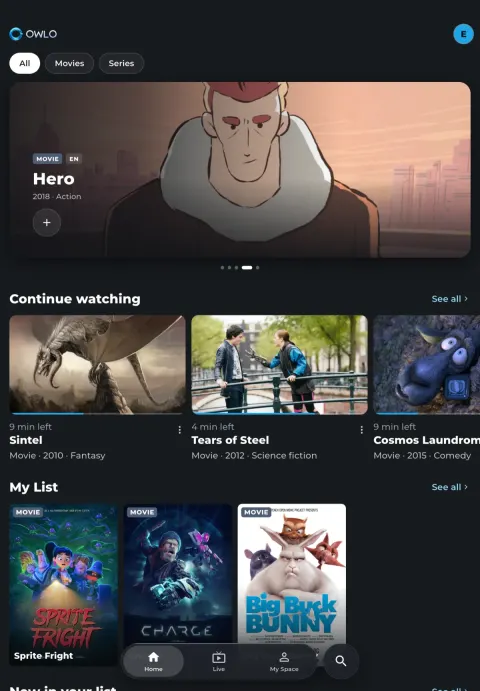
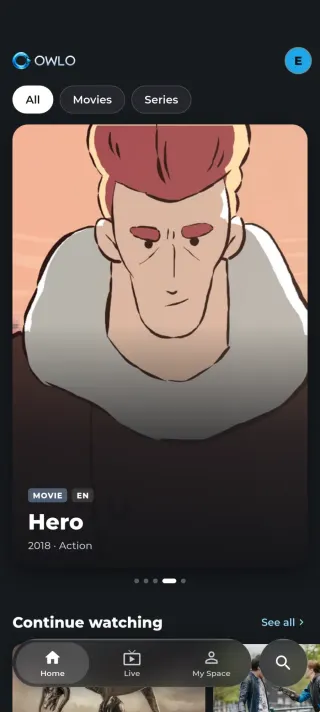
Home
Highlights and rows based on what you watch.
-
TV
Details
Seasons, episodes, cast and director.
-
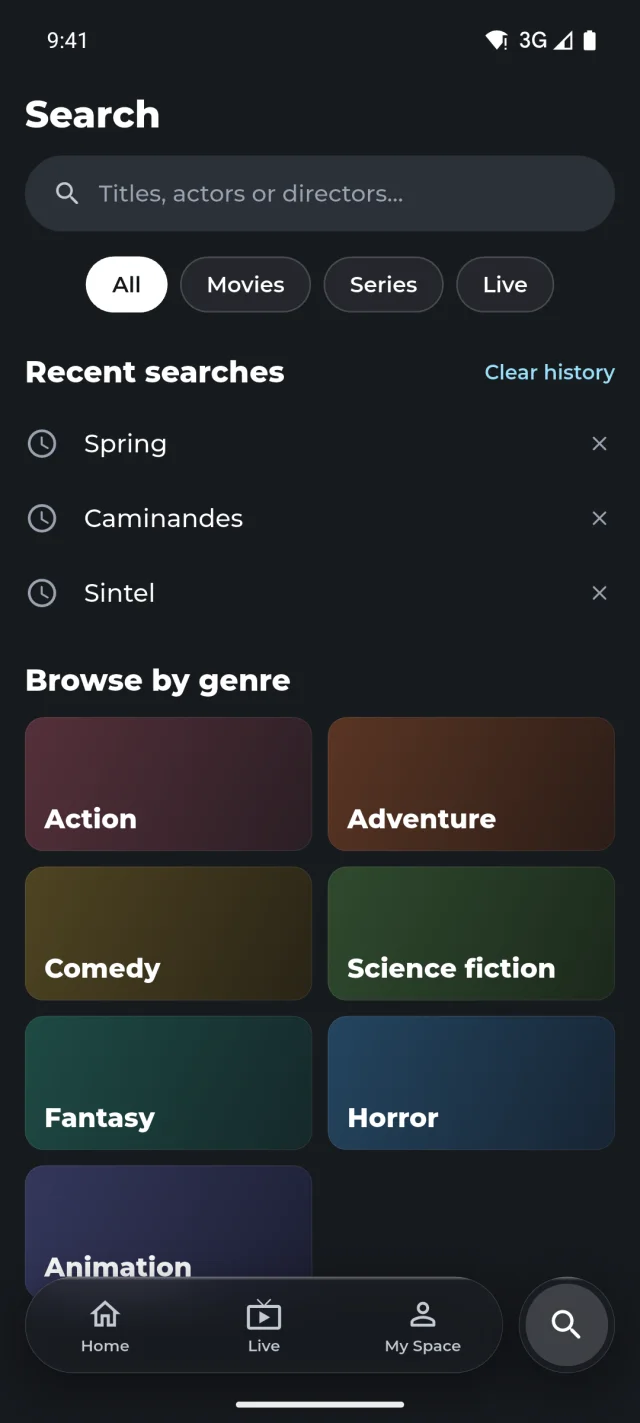 Phone
Search
By title, actor or director, or browse by genre.
-
TV
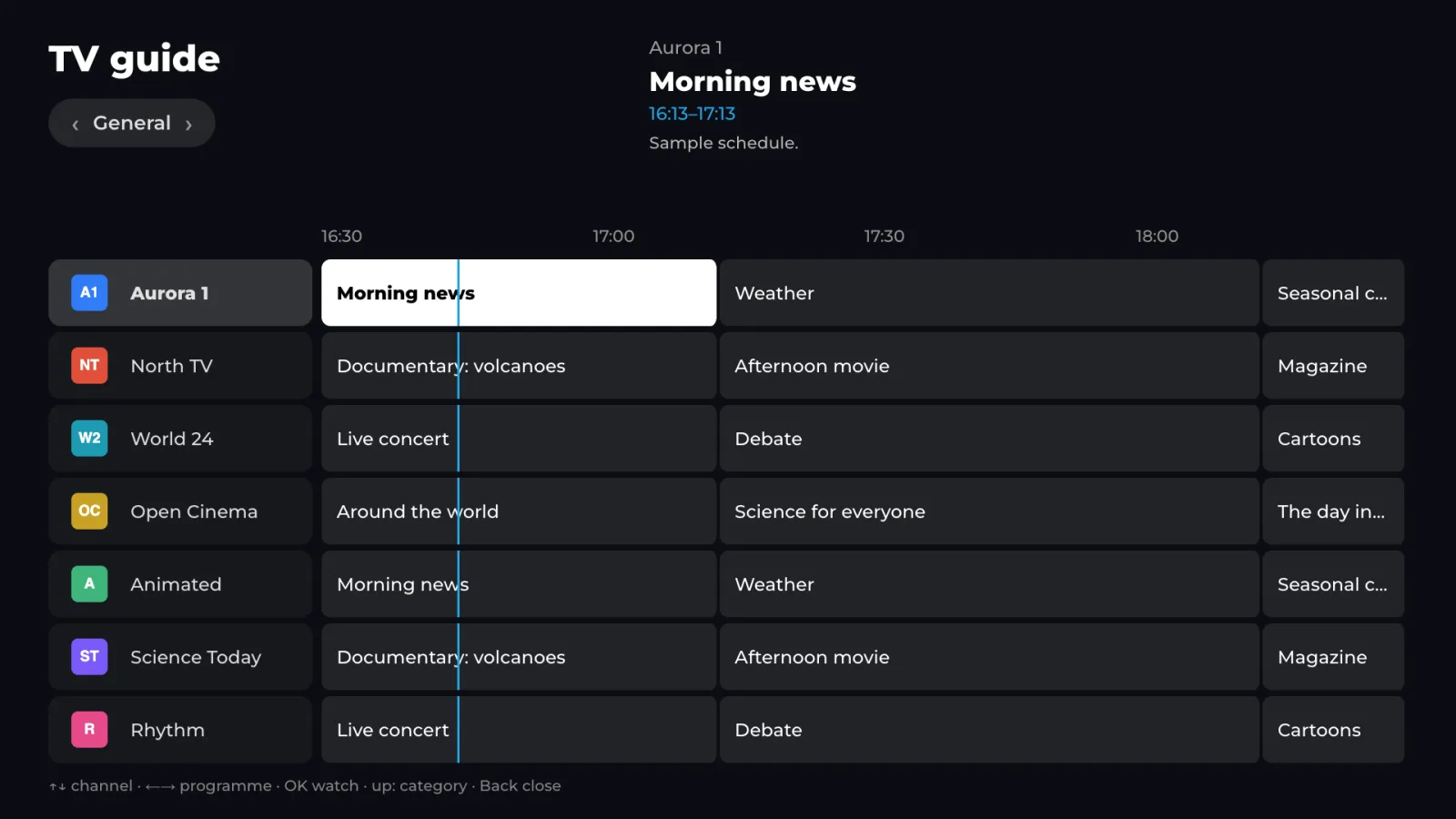
Live TV with a guide
What’s on now and next, if your list includes a guide.
-
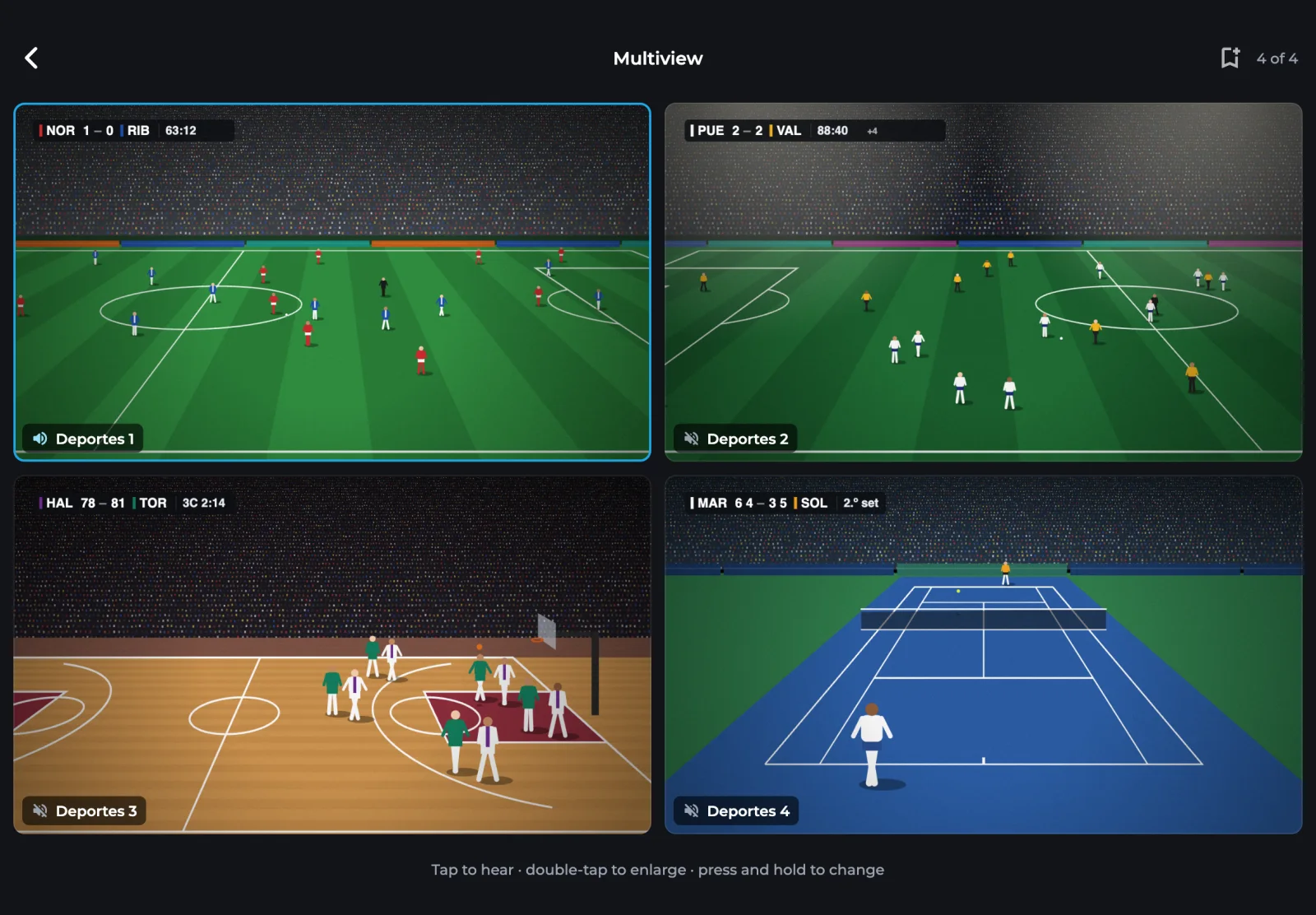 Tablet
Multiview
Up to 4 channels at once on Android TV, Fire TV, tablet and computer (3 on the phone). You choose which one you hear. Each tile uses one of your provider’s connections.
Owlo, TiviMate, Smarters Pro and IBO Player. Point by point.
 Owlo |
TiviMate | Smarters Pro | IBO Player | |
|---|---|---|---|---|
| Sync across devices Pick up where you left off, to the second | Yes | Their website doesn’t mention it | Their website doesn’t mention it | Their website doesn’t mention it |
| Set up from your phone The TV links with a QR code, no typing | Yes | Their website doesn’t mention it | Their website doesn’t mention it | Their website doesn’t mention it |
| One account for several devices On Owlo, up to 5 at once, no licence per TV | Yes | Their website doesn’t mention it | Yes | No, according to their website |
| Profiles for each person Each with their own language, favourites and, if they like, a PIN | Yes | Their website doesn’t mention it | Their website doesn’t mention it | Their website doesn’t mention it |
| Multiview On Owlo, up to 4 channels at once (3 on the phone) | Yes | Yes | Their website doesn’t mention it | Their website doesn’t mention it |
| Recommendations “For you” and “Because you watched…”, based on what each profile watches | Yes | Their website doesn’t mention it | Their website doesn’t mention it | Their website doesn’t mention it |
| No ads Nothing between you and what you watch | Yes | Their website doesn’t mention it | Their website doesn’t mention it | Their website doesn’t mention it |
✓: it has it. —: their website doesn’t mention it. ✕: their website says no; IBO Player requires a paid licence after 7 days of testing, activated with each TV’s MAC address. Data from each app’s official website (tivimate.com, smarterspro.com, iboplayer.com), as of 8 November 2026; if anything has changed, write to us at support@owlo.app. TiviMate, Smarters Pro and IBO Player are trademarks of their owners; Owlo is not affiliated with them.
Does it work on my device?
AvailableAmazon Fire TV
On the Amazon Appstore.
AvailableiPhone, iPad and Mac
On the App Store.
AvailableWindows
On the Microsoft Store.
 Available
Linux
On the Snap Store.
Android TV, Google TV and Android
On Google Play.
Hisense, Toshiba, Samsung and LG
We’ll let you know when it’s ready.
Yours isn’t there yet? Let me know
We’ll let you know once, when it’s ready.
Owlo is not affiliated with Hisense, Toshiba, Samsung, LG, Google, Amazon, Apple, Microsoft or Canonical.
Frequently asked questions
Does it include channels?
No. Owlo does not provide, sell or recommend content or lists. It’s a player: you need your own M3U list or Xtream Codes account from a legal provider. Don’t have one? See the legal options.
Which devices does it work on?
Owlo is available on Amazon Fire TV (Amazon Appstore), iPhone, iPad and Mac (App Store) and Windows (Microsoft Store). Android TV, Google TV and Android are coming soon on Google Play, and Hisense, Toshiba, Samsung and LG later. It’s all in Platforms.
How many devices can I use?
Up to 5 at once per account, across TVs, phones, tablets and computers.
Does it sync between devices?
Yes. Lists, profiles, favourites and “continue watching”, down to the exact point where you left off.
What do you do with my data?
Only what your account needs to work. Your video goes straight from your provider to your device, never through our servers, and your list details are stored encrypted. Details in Privacy.