
ひとつのアカウントで、
すべての画面に。
Owlo plays your M3U or Xtream Codes list on your TV, phone, tablet and computer. Set it up once and everything follows you: profiles, favourites and whatever you were watching. No content included: you bring your own list.
Free to start. No card needed.
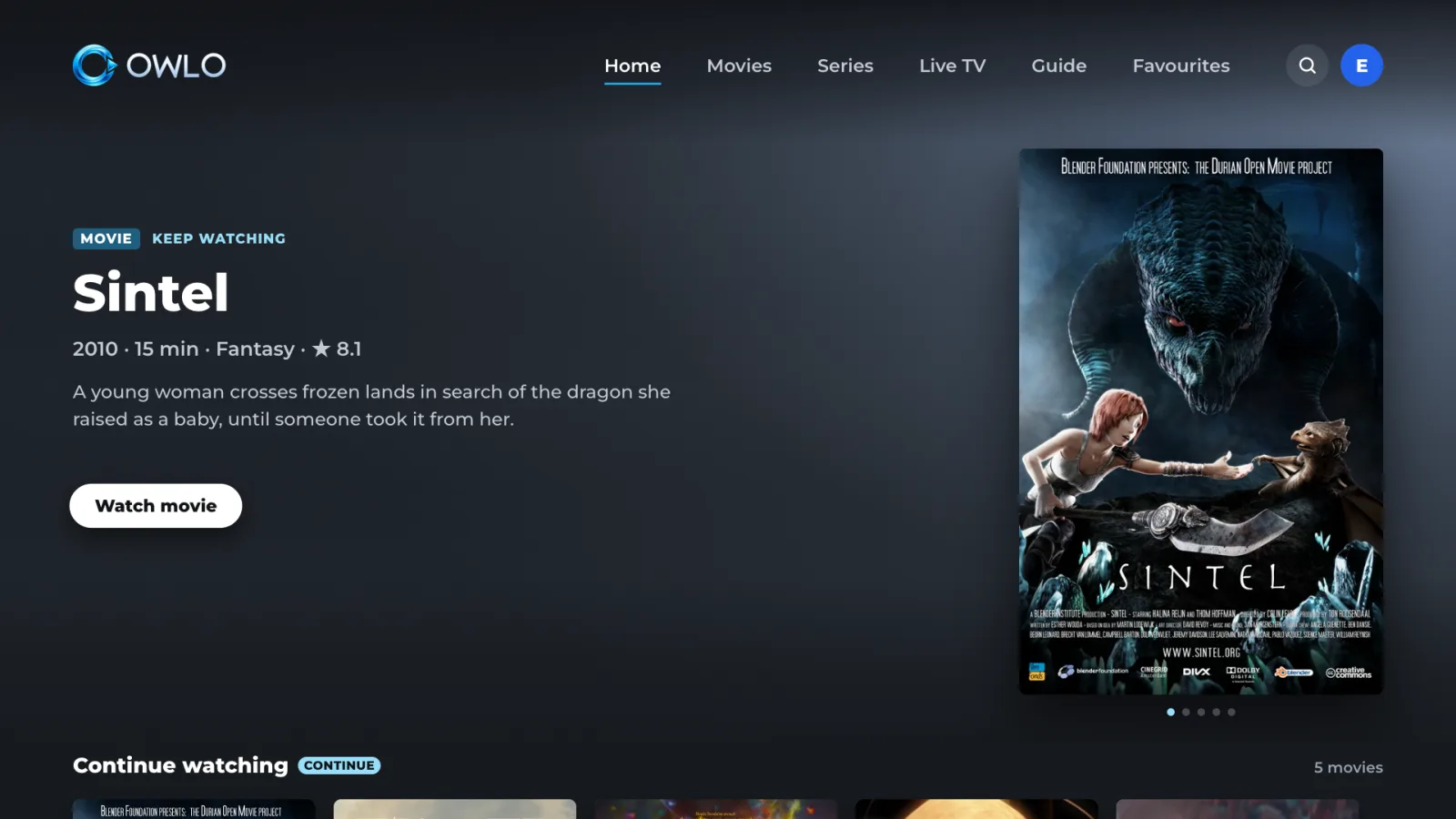
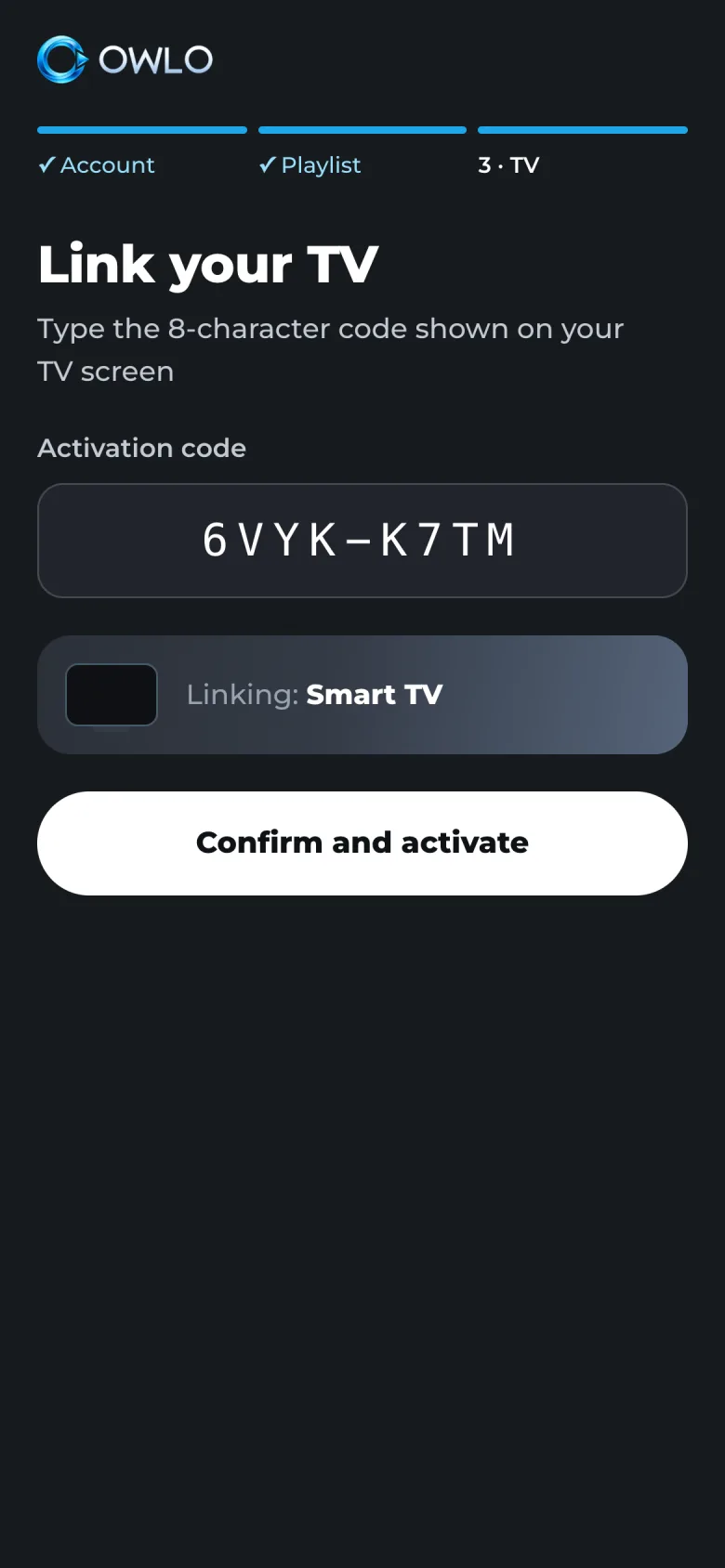
Three steps and it’s on all your screens.
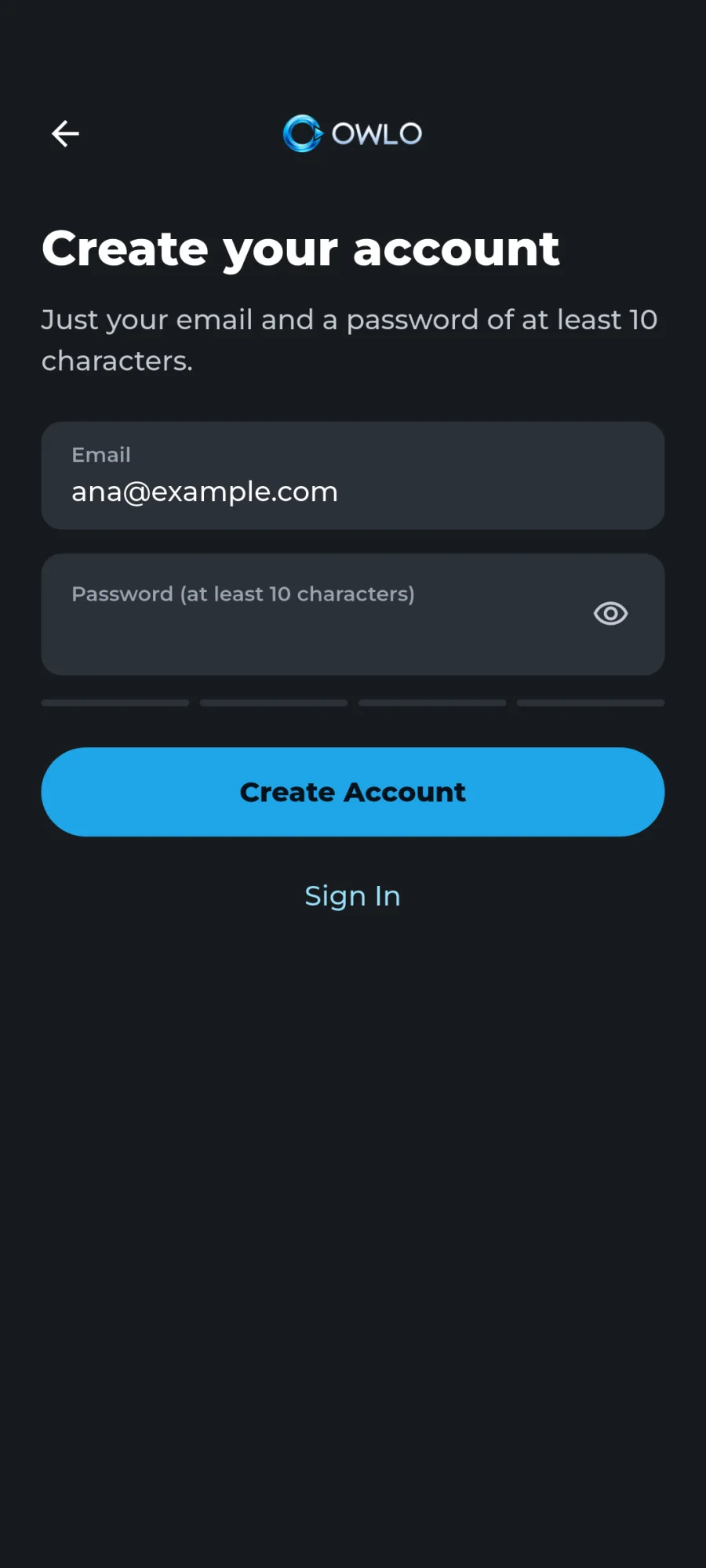 01アカウントを作成
On your phone, with your email. No card needed.
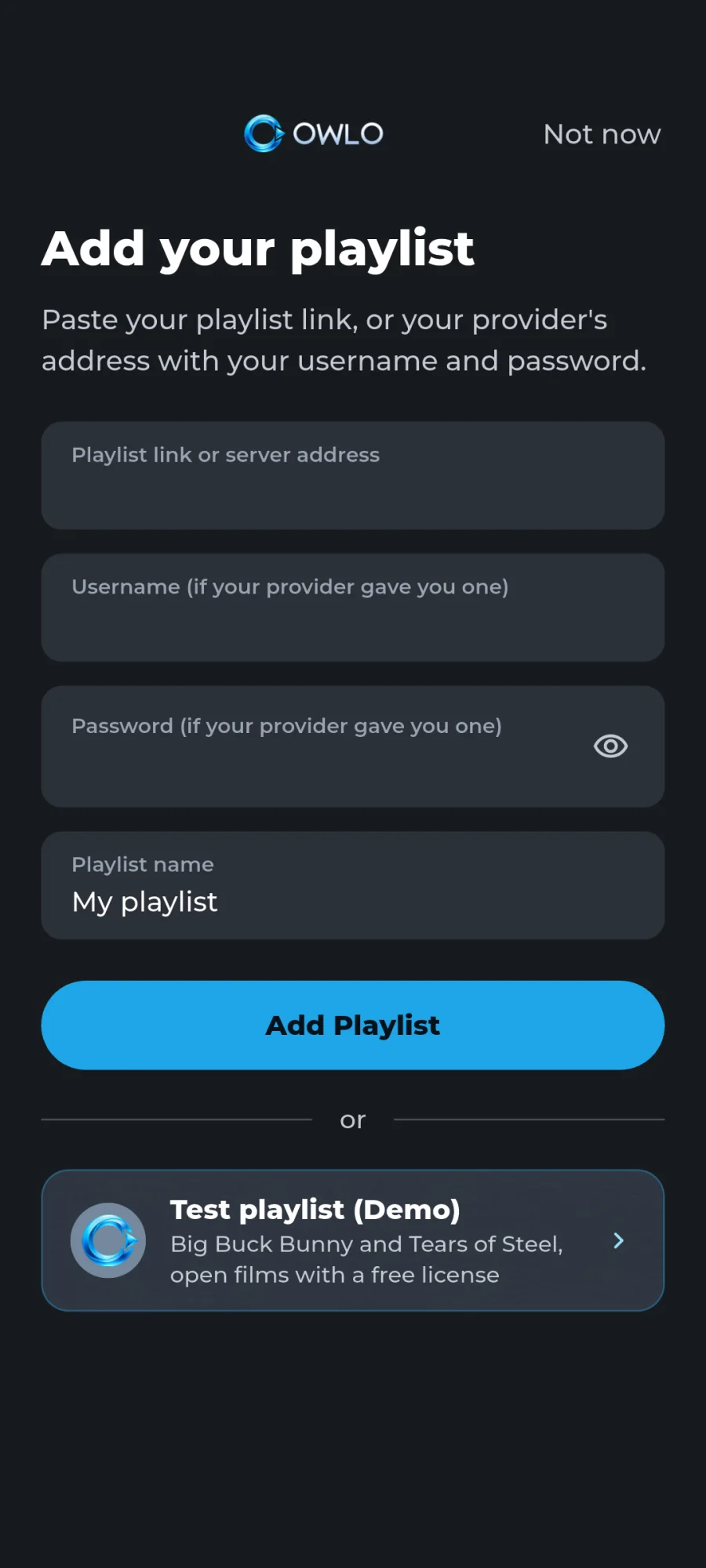 02リストを追加
Just once. Paste what your provider sent you.
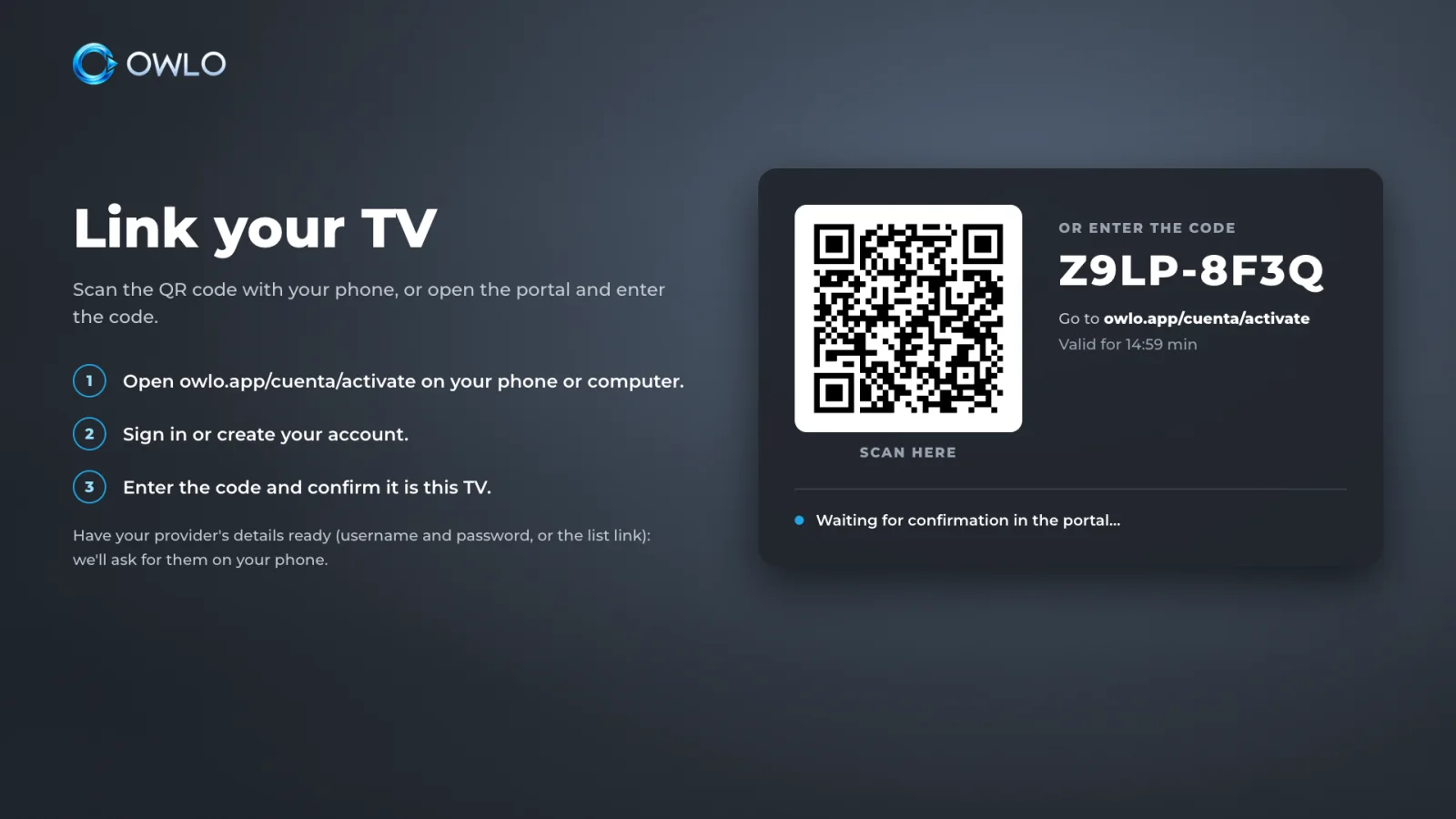 03Open it on your screens
On the TV you scan a QR code; on your phone, tablet or computer you sign in with your account.
リビングで見始めて、寝室で見終わる。
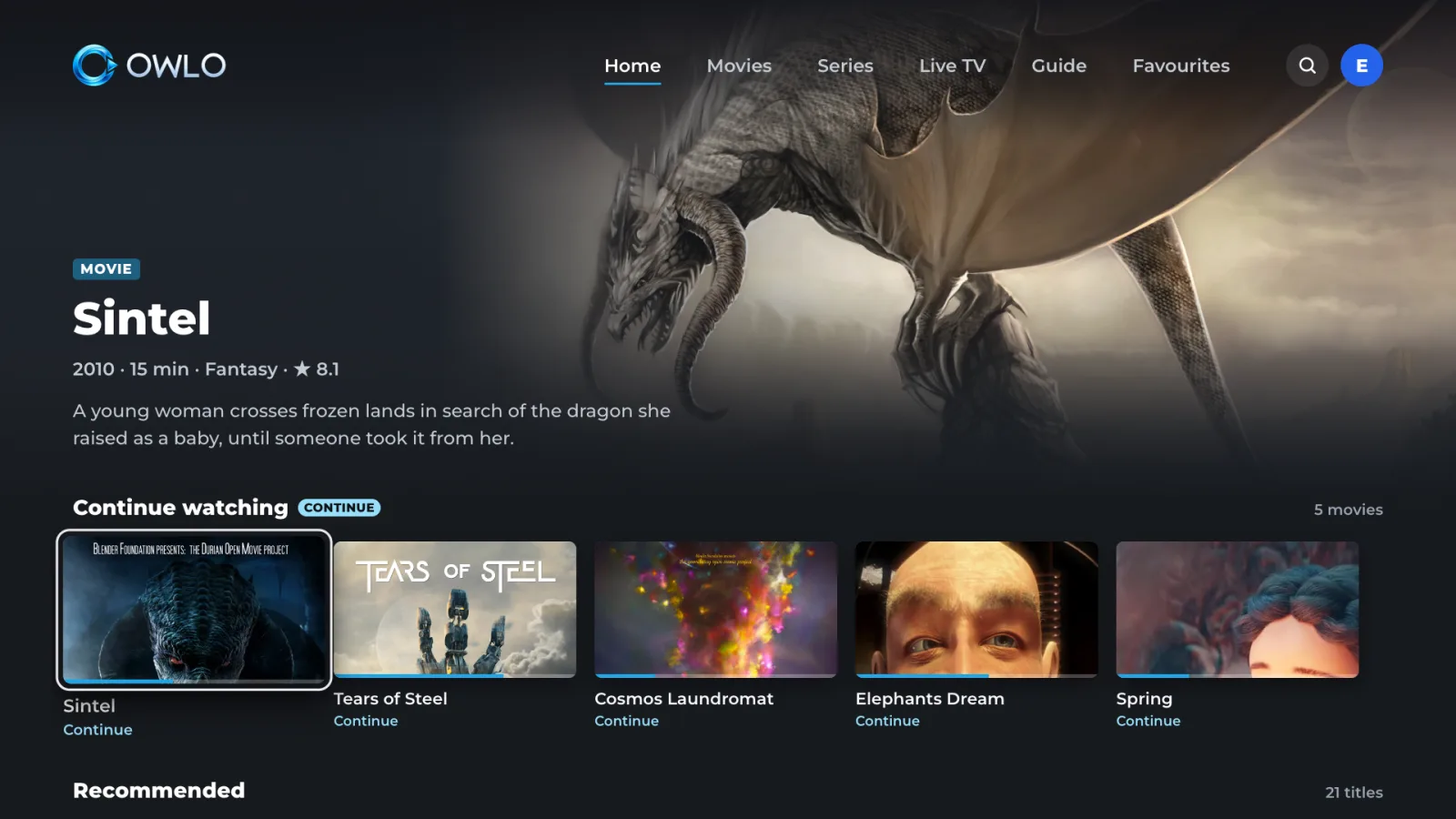
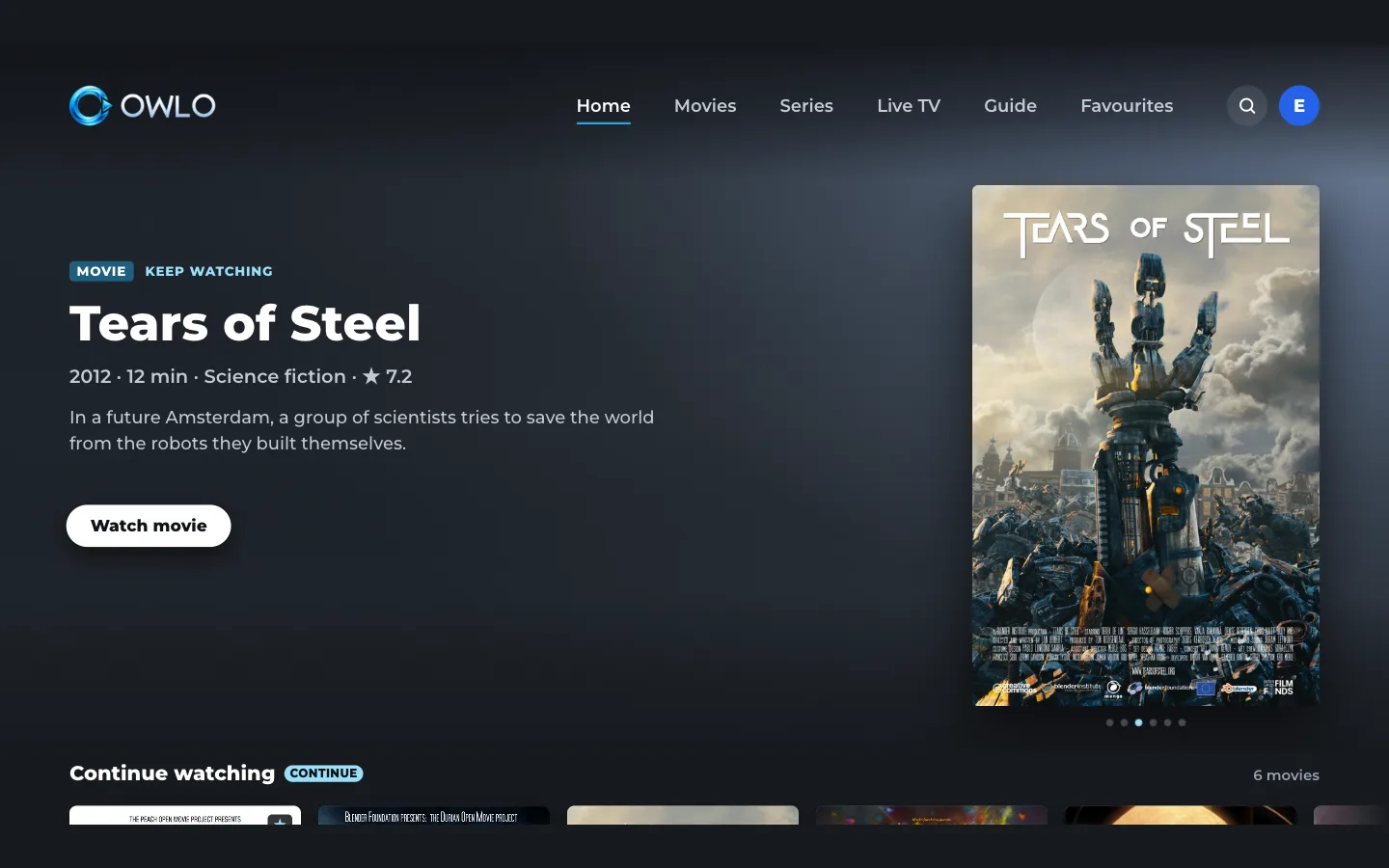
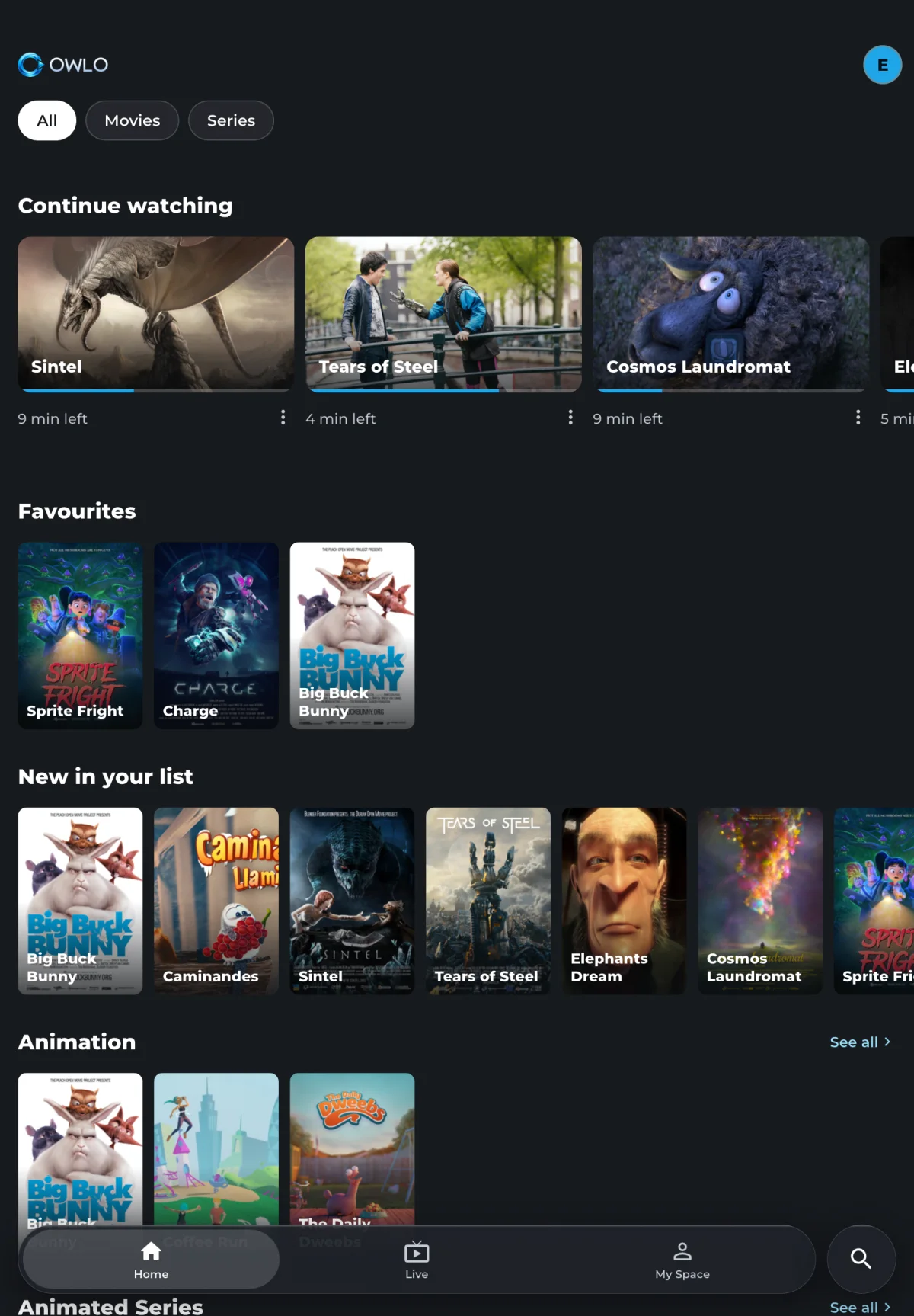
The same account on your TV, computer, tablet and phone. Lists, profiles, favourites and “continue watching” travel with the account, right to the second you left off.
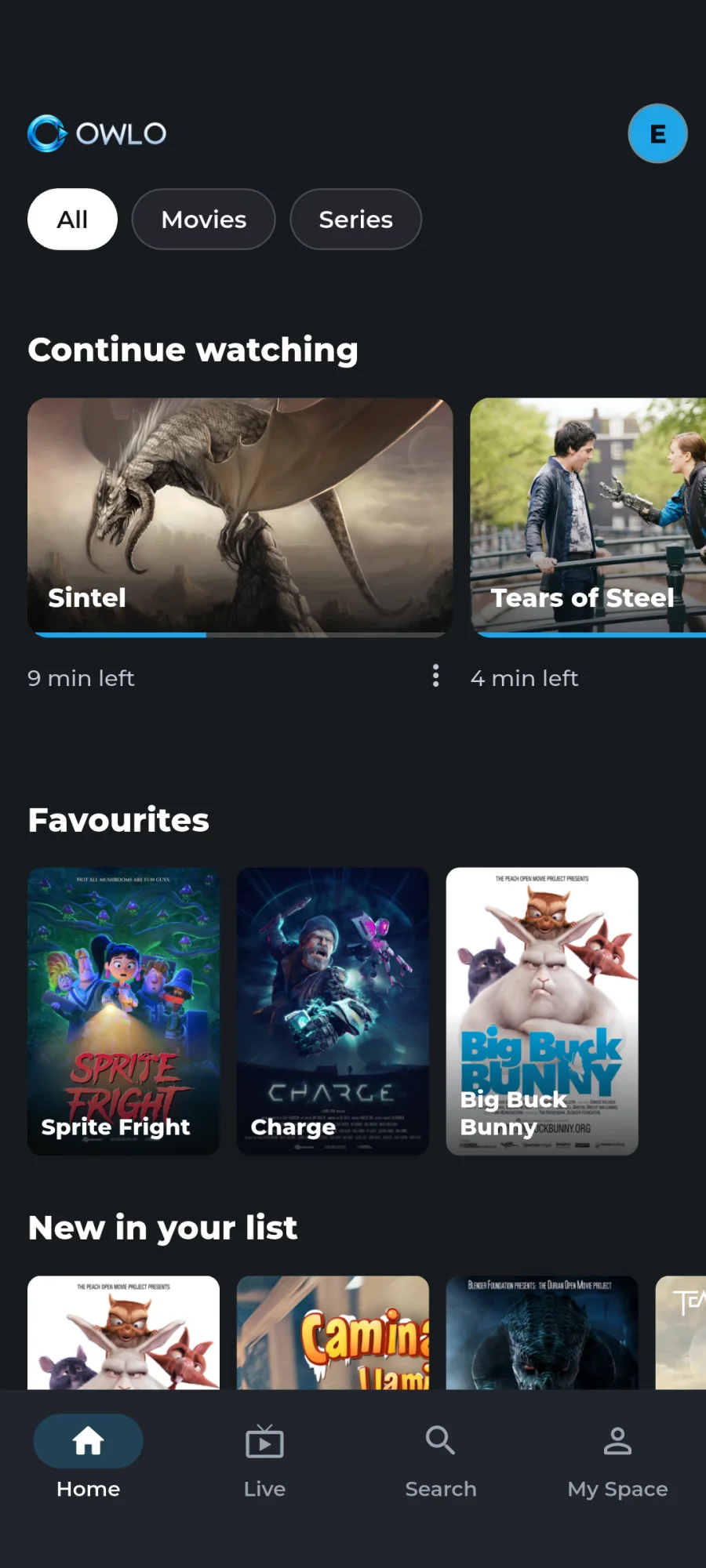
You set up your list on each one, pay for every TV, and what you watch on one knows nothing about the other.
 Owlo なら
TVs, phones, tablets and computers with the same account and the same list. Up to 5 TVs for US$12 (or €12) a year in total.
複数の試合を同時に。
タブレットで最大 4 つ、スマートフォンで最大 3 つのライブチャンネルを、それぞれ好きなリストから。タップで音声を切り替え、ダブルタップで拡大。モザイクを保存しておけば、試合の日にワンタップで開けます。
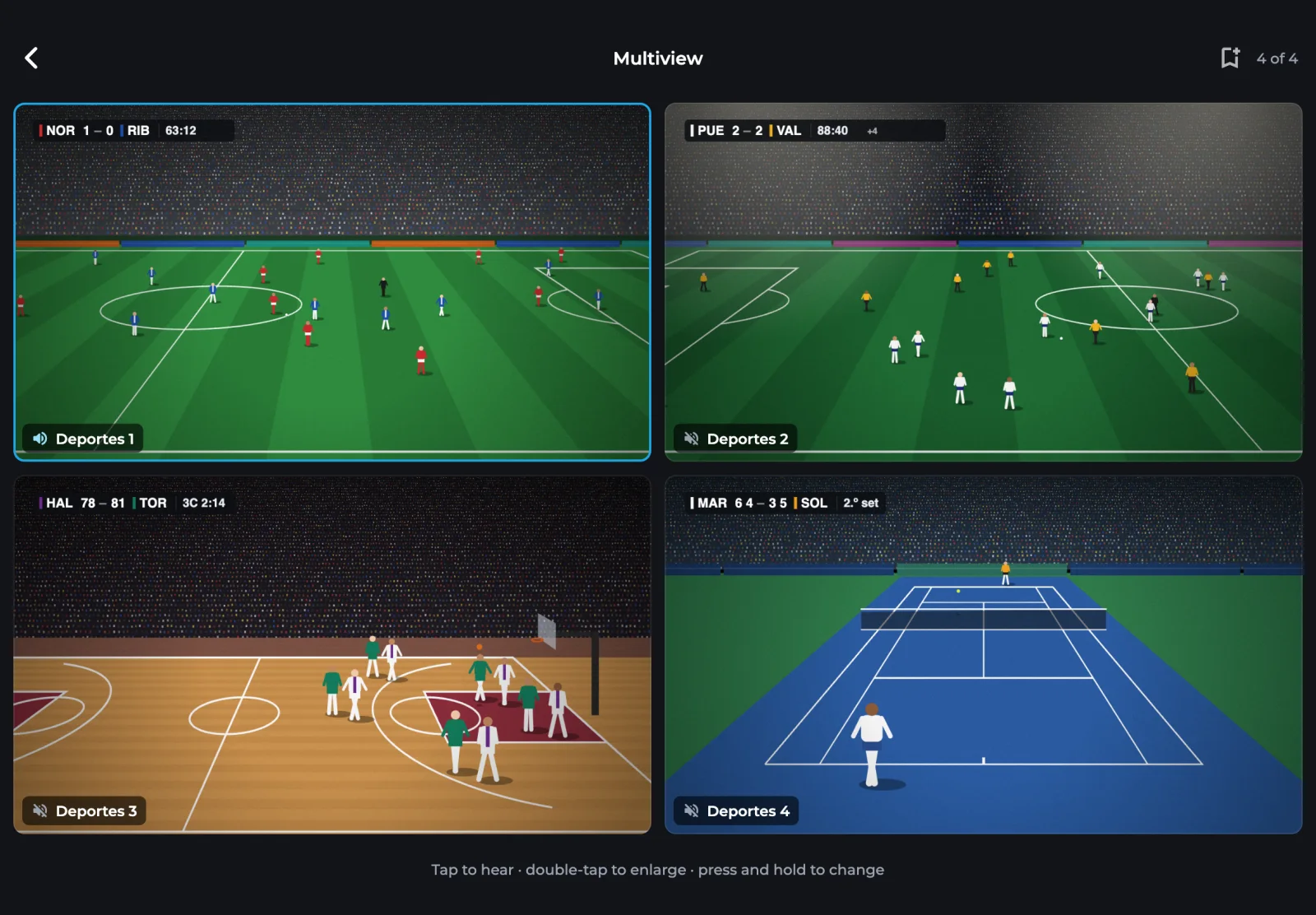
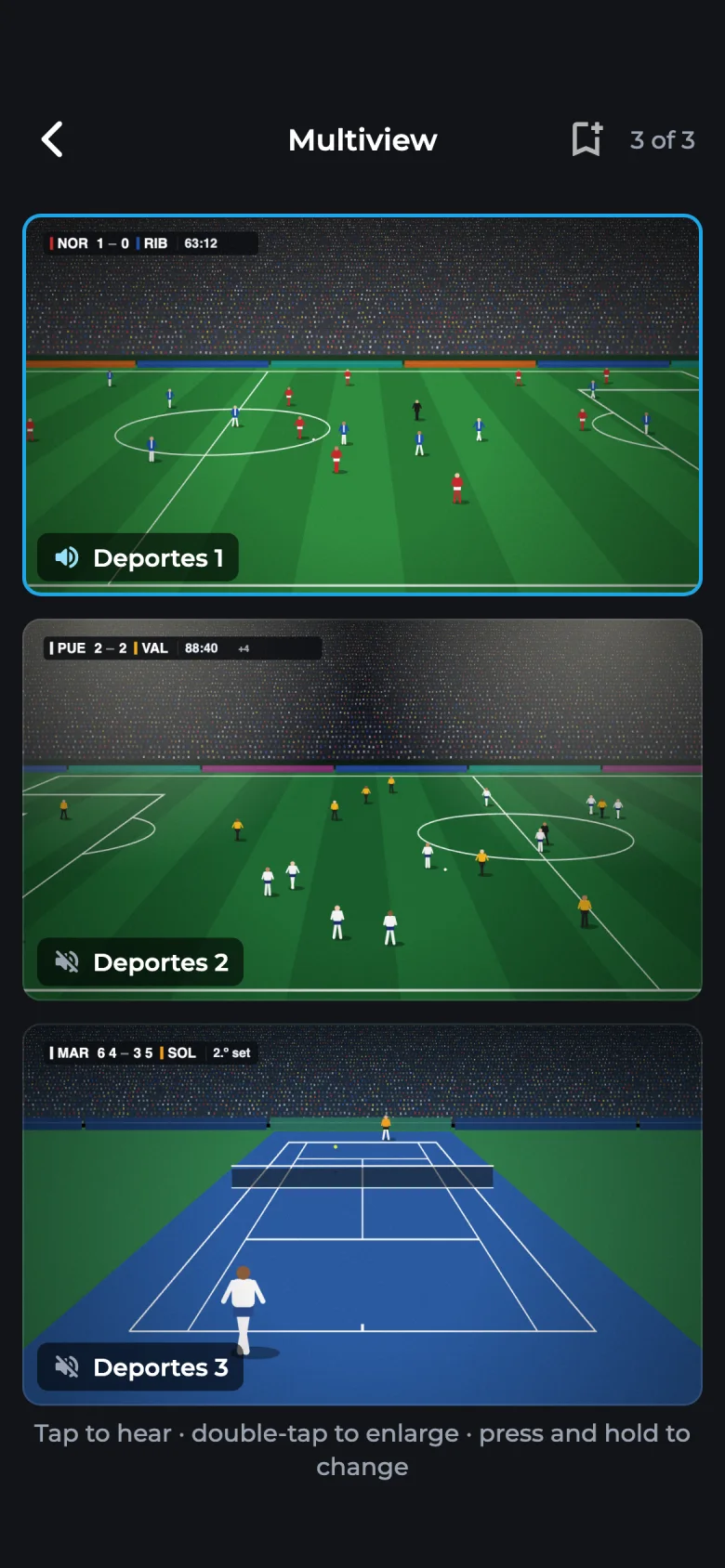
- 見ている画面の音声を。音声が出るのは 1 つの画面だけ。別の画面をタップすると切り替わります。
- 複数のリストから。異なるリストのチャンネルをひとつのモザイクにまとめられます。
- 接続数を超えません。Owlo は各リストで使える接続数を数え、新しく開く前にお知らせします。
Illustrated scenes. Owlo includes no channels or events: it plays the playlists you already have.
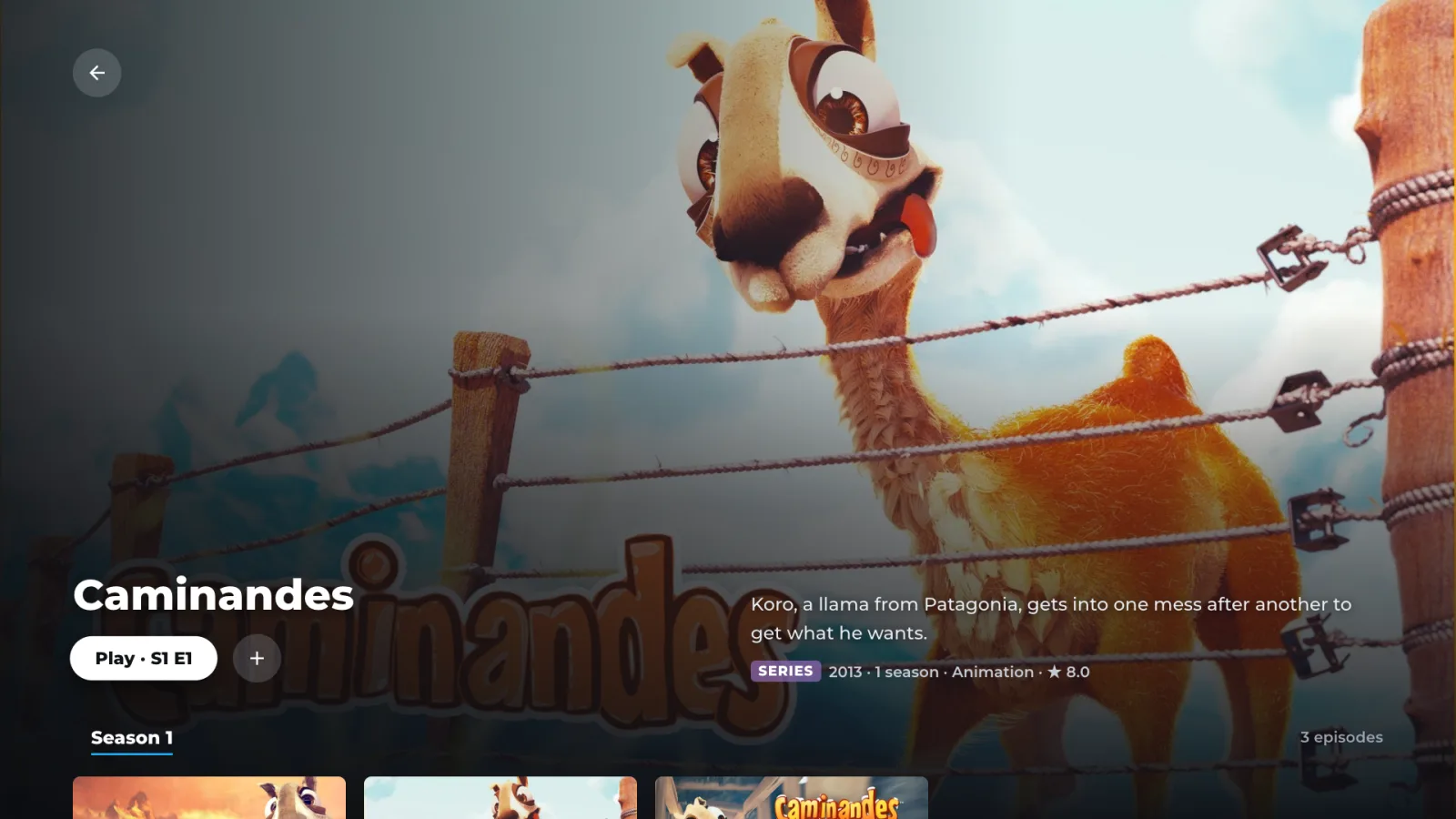
あなたのリストが、見違えるように。
全画面のポスターと背景、列表示、シーズンとエピソードのある作品ページ。お手持ちのコンテンツのためのストリーミング画面です。
- ##### 映画 HD #####
- UK| North Channel FHD ⱽᴵᴾ
- UK| North Channel HD
- UK| North Channel SD (B)
- ##### シリーズ #####
- UK| The Lookout S01 E03
- |US| Sun Radio TV
- ライブ · 映画
- North Channel3 バージョン
- Sun Radio TV
- シリーズ
- The LookoutS1 · E3
すっきりした名前で、すべてが定位置に。
映画、シリーズ、ライブ TV を分けて表示。バージョンはまとめて、カテゴリーは上に固定。ジャンル、検索、「放送中 / 次の番組」ガイドも。
さらに
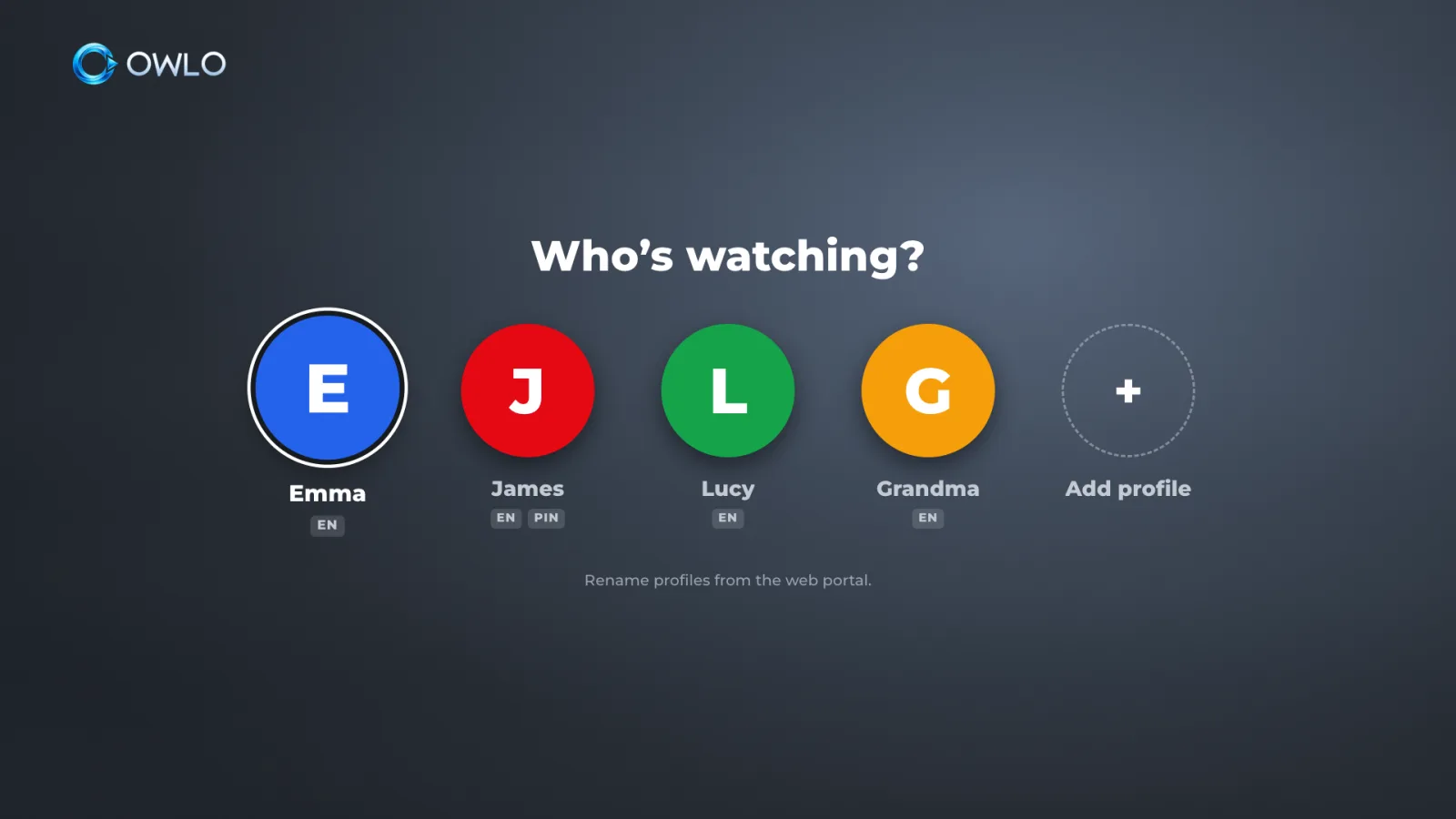
一人ひとりにプロフィール。子どもには PIN を。
プロフィールごとにアバターとコンテンツの言語、さらにペアレンタルコントロール。
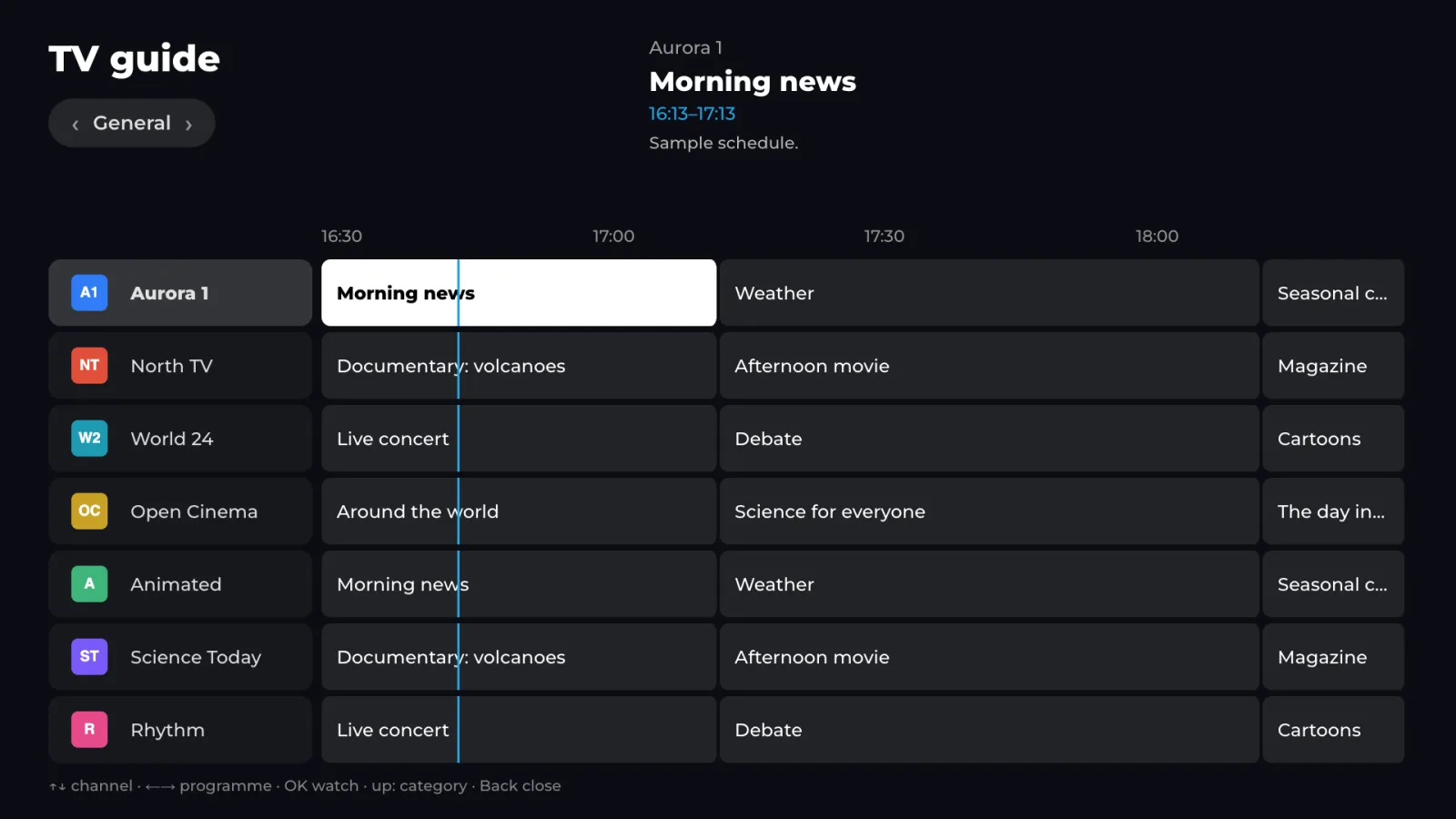
「放送中 / 次の番組」ガイド
各チャンネルで今なにが放送中で、次はなにか。ライブ TV から離れずに確認できます。

本物の音声と字幕
映画やシリーズで言語と字幕を切り替え。名前もわかりやすく表示します。
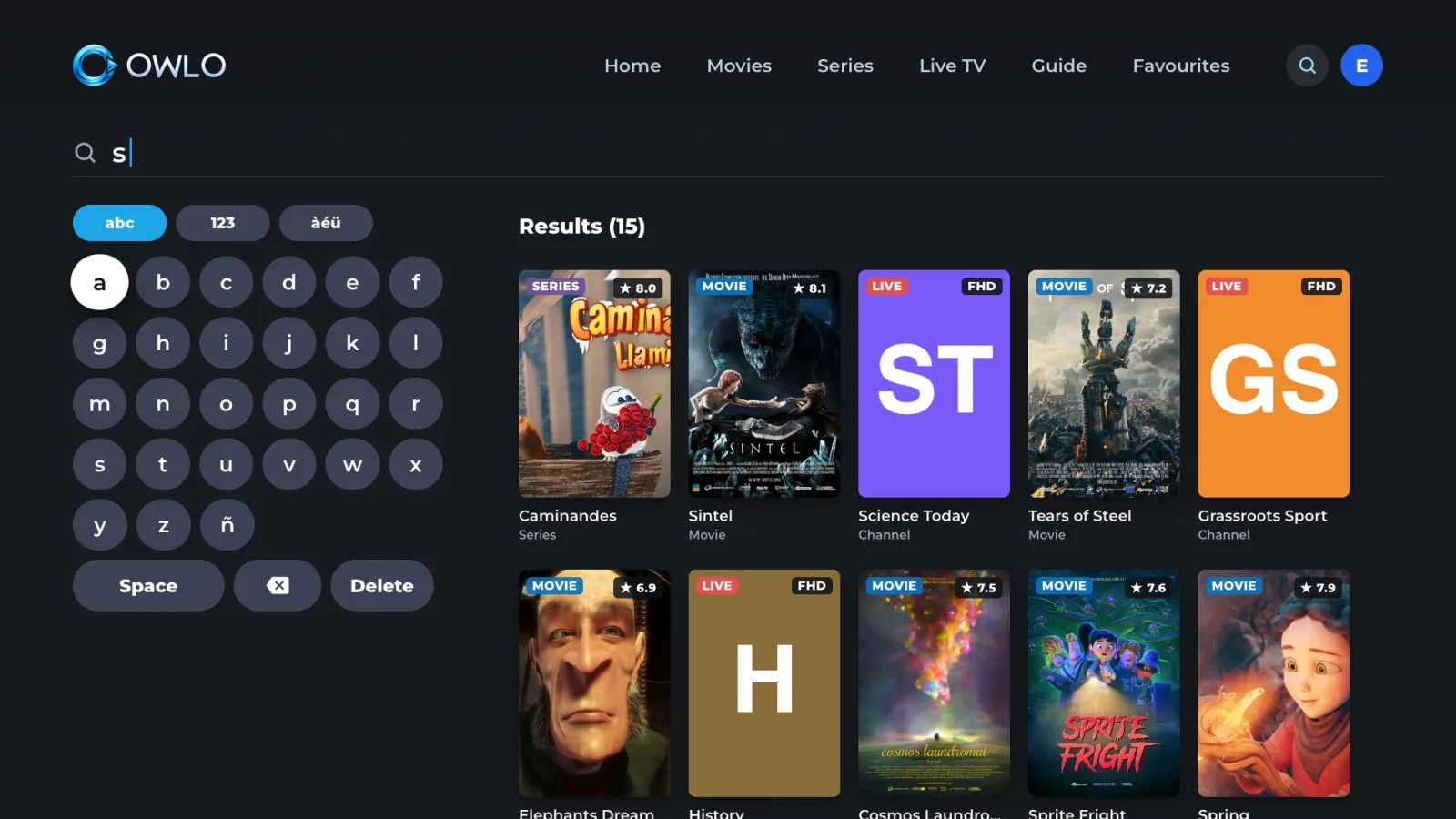
検索とジャンル
リスト全体から作品を探したり、ジャンル別に見たりできます。
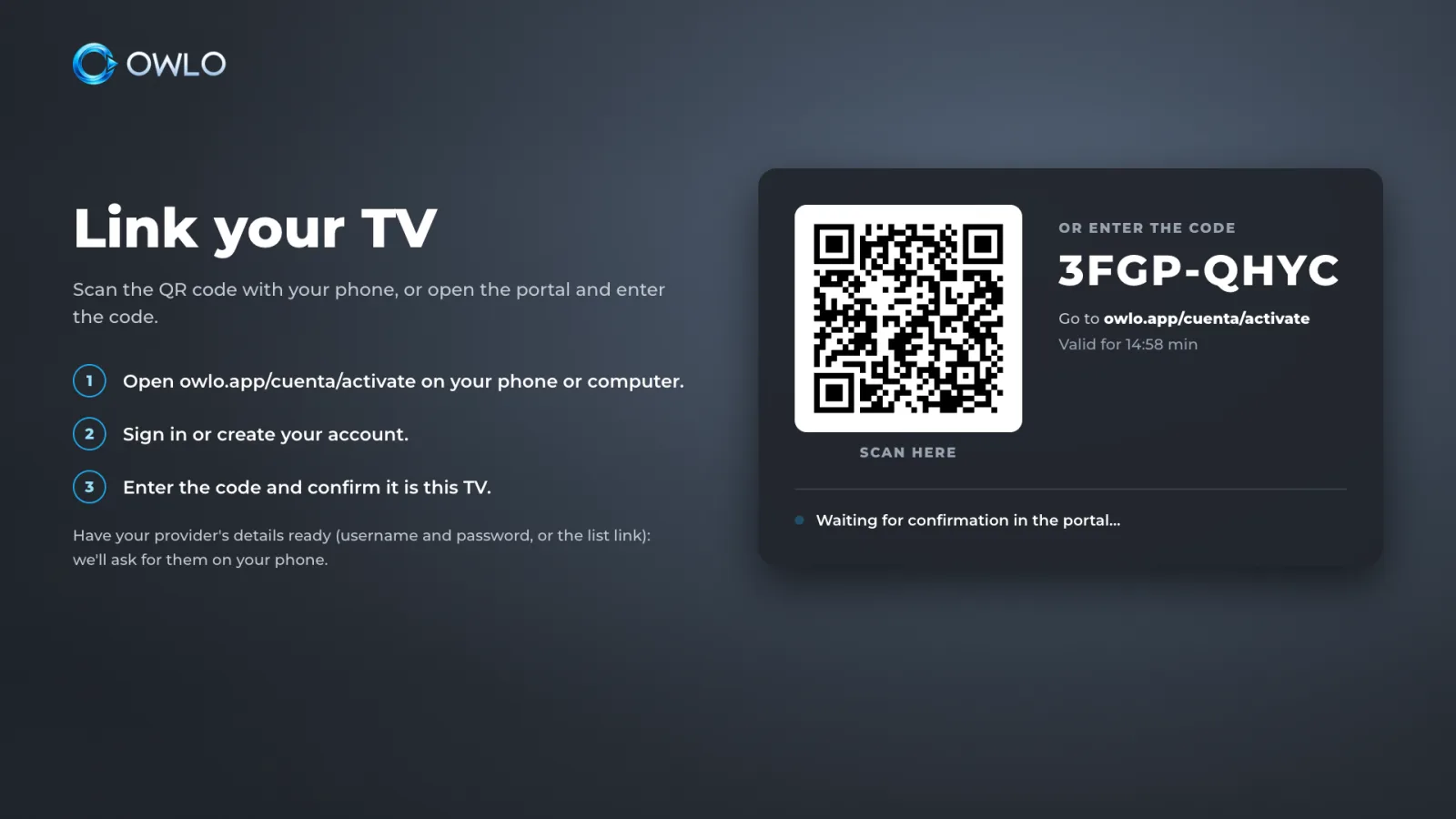
入力不要:読み取るだけ
リストはスマートフォンで一度追加するだけ。新しいテレビは QR コードを読み取れば受け取れます。

より多くの形式
テレビ単体より多くの形式を再生し、再生できないものははっきりお知らせします。
テレビを替えても、追加料金なし。
家中のテレビすべてで、ひとつの料金。
Create your free account.
Add your list and open it on all your screens, with no card. Afterwards, US$12 a year or US$2 a month (€12 or €2 in the EU) for the whole household. We’ll tell you first, and nothing is charged automatically.
無料でアカウントを作成Owlo はプレーヤーにすぎません。チャンネル、映画、リストを含まず、販売もしません。合法的なプロバイダーのご自身のリストをお使いください。
利用規約 →よくある質問
チャンネルは含まれていますか?
いいえ。Owlo はコンテンツやリストを提供・販売・推奨しません。プレーヤーなので、合法的なプロバイダーの M3U リストまたは Xtream Codes アカウントをご自身でご用意ください。
Which devices does it work on?
Smart TVs, phones, tablets and computers, with the same account. How to open it on each one is in Platforms. If you’re unsure about your model, email us at support@owlo.app.
M3U リストとは?
プロバイダーから提供されるチャンネルや動画のアドレスをまとめたリンクまたはファイルです。Xtream Codes は同じものをサーバー、ユーザー名、パスワードで提供する別の方式です。
何台のテレビで使えますか?
Up to 5 TVs per account, plus your phones, tablets and computers.
テレビを買い替えたら?
スマートフォンから古いテレビの連携を解除し、新しいテレビで QR コードを読み取ってください。ライセンスはテレビではなくアカウントに属するので、追加料金はかかりません。
デバイス間で同期しますか?
はい。リスト、プロフィール、お気に入り、「続きを見る」が、止めた秒まで同期されます。
料金はいくらですか?
Creating your account is free and we don’t ask for a card. Then there are two options for the whole household: US$12 a year or US$2 a month (€12 or €2 in the EU). You can cancel from your account at any time.
データはどう扱われますか?
アカウントの動作に必要な情報だけを保存し、トラッキング Cookie は使いません。リストの情報は暗号化して保存します。詳しくはプライバシーへ。