
One account.
Every screen.
Owlo is an M3U and Xtream Codes player for Smart TVs. No MAC address, no typing with the remote, and profiles for the whole household. No content included: you bring your own list.
Free beta. No card needed.
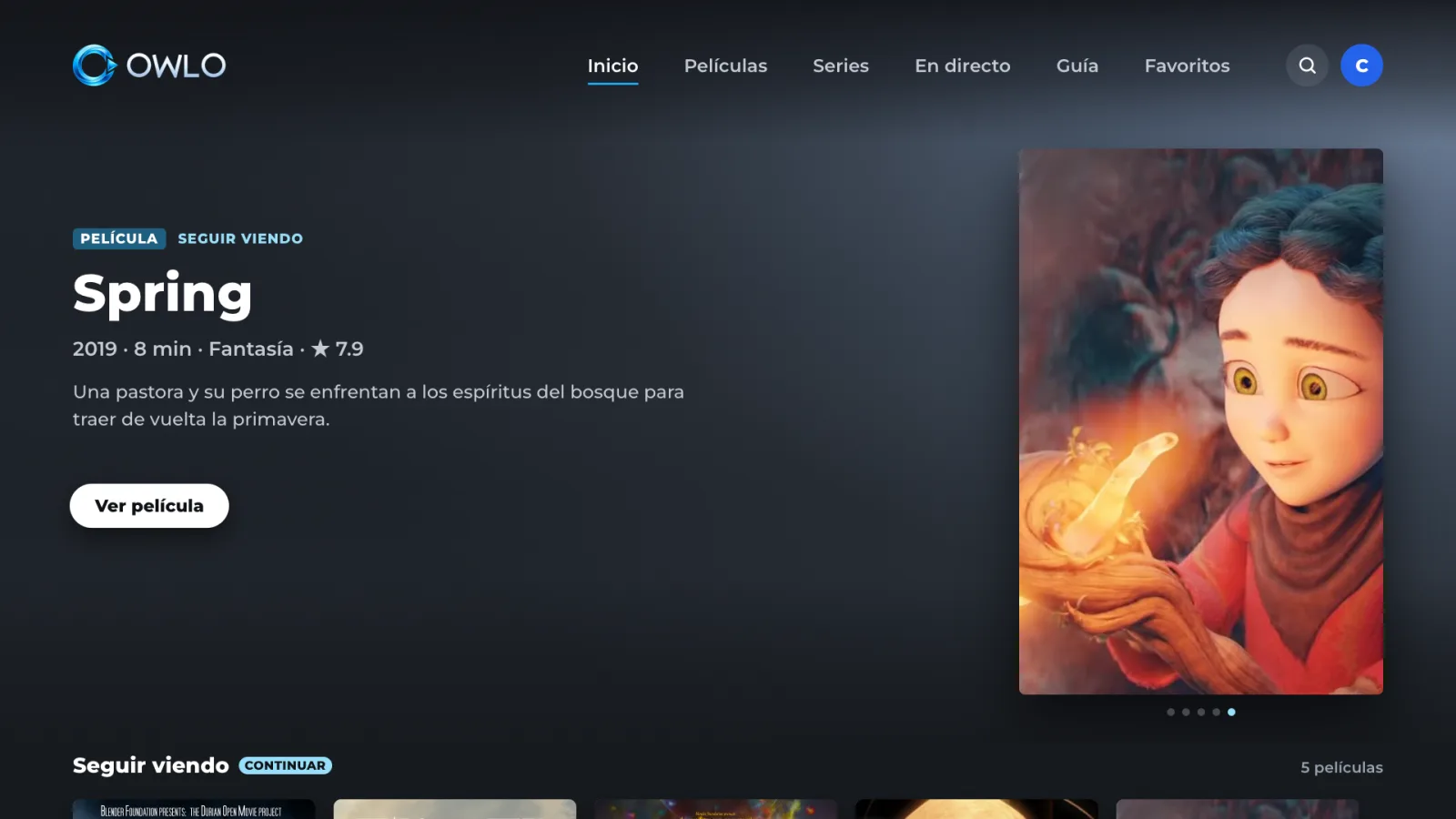
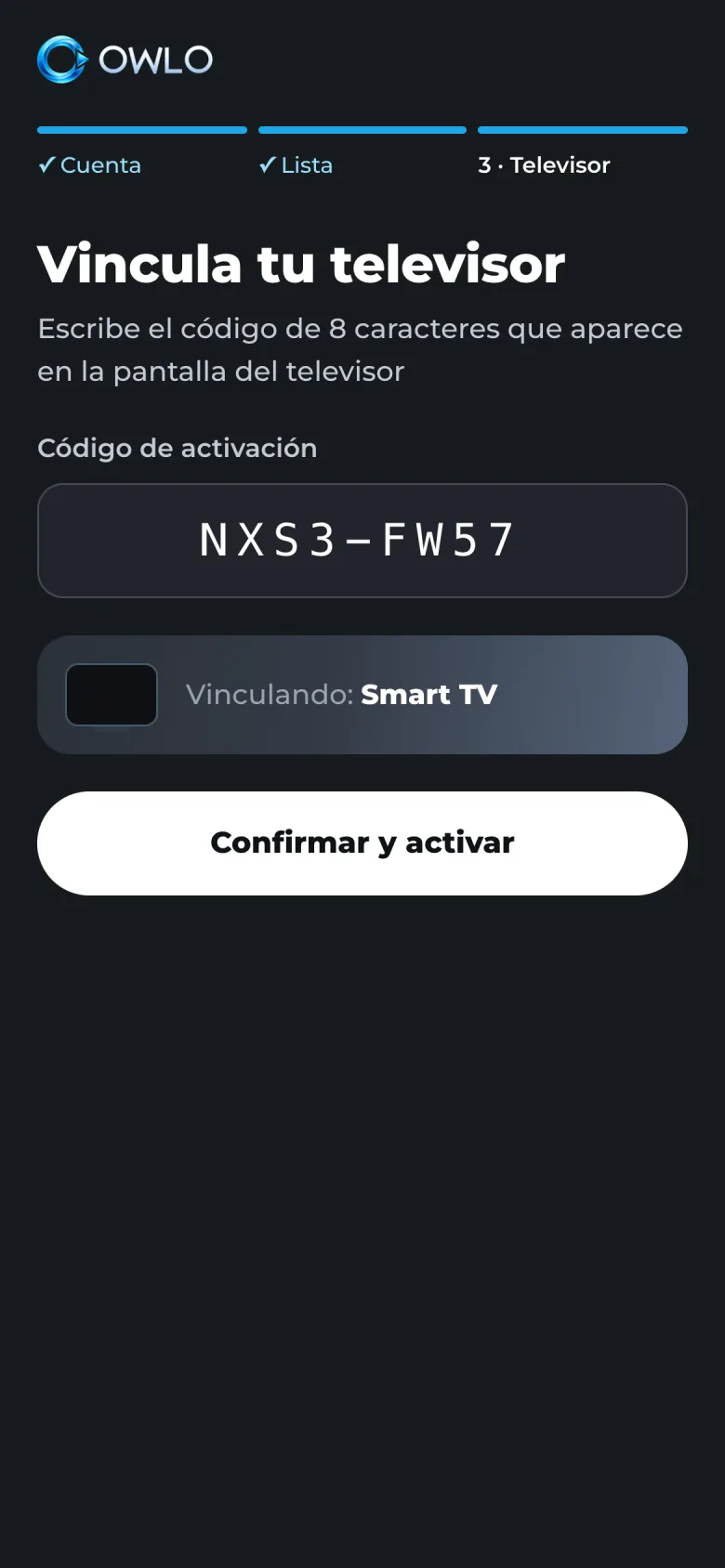
If you can scan a QR code, you can set up Owlo.
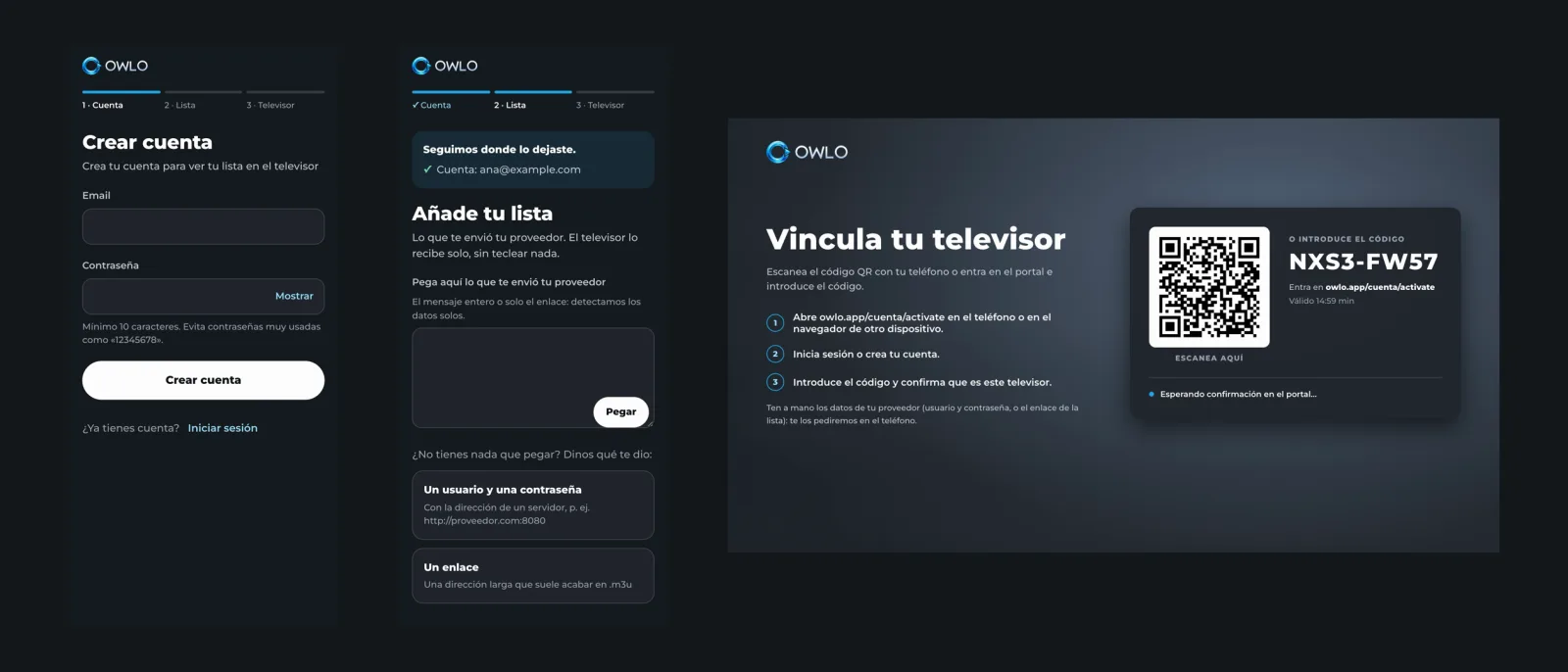
- 01Create your account on your phone
- 02Add your list
- 03Scan the QR code on your TV
Start in the living room, finish in the bedroom.
The same account on your TV, your computer and, soon, your phone. Lists, profiles, favourites and “continue watching” travel with the account, right to the second you left off.
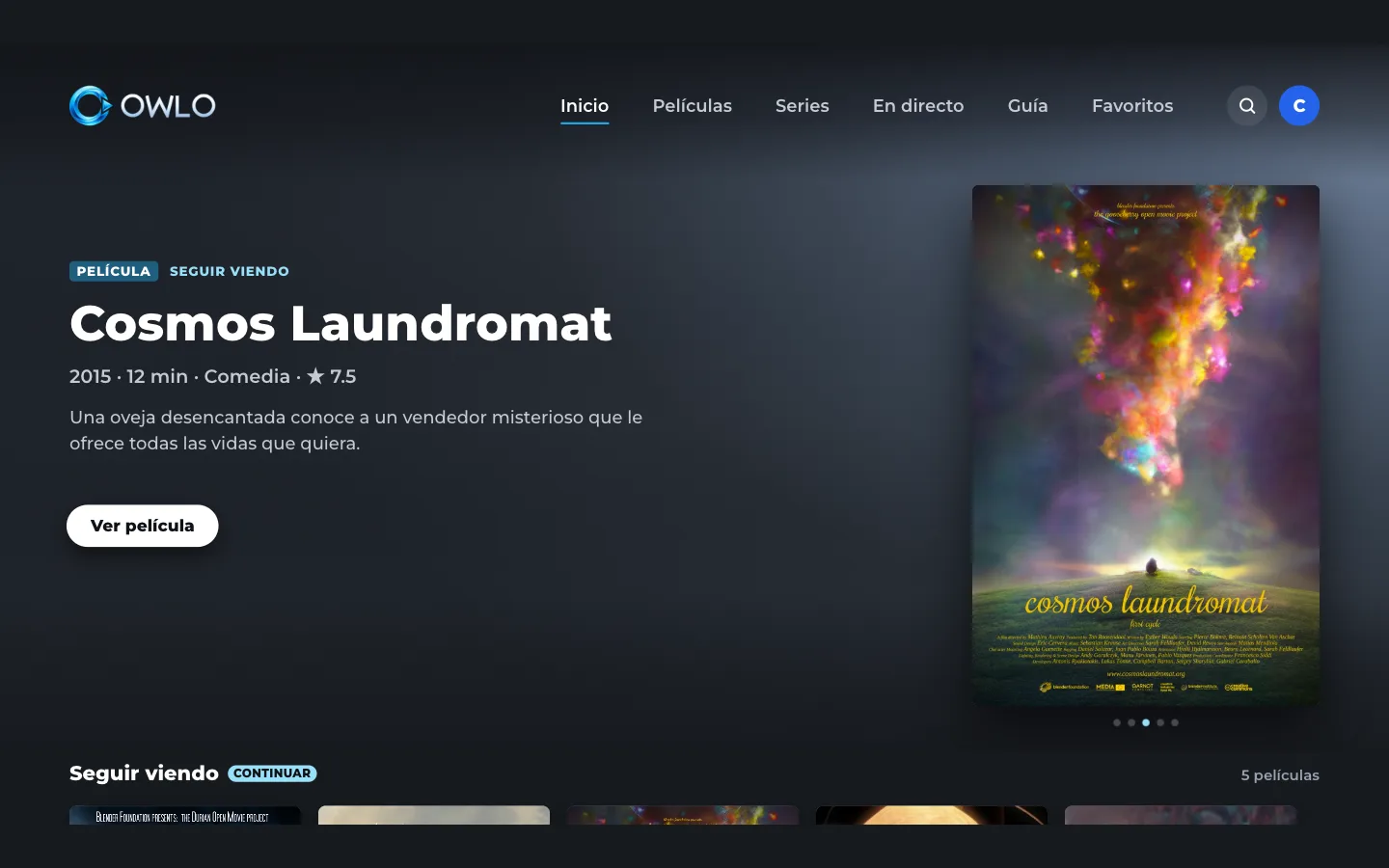
Change your TV and pay again. Three TVs at home, three licences.
 With Owlo
Up to 5 TVs, linked and unlinked from your phone. A home with 3 TVs pays US$12 (or €12) a year in total.
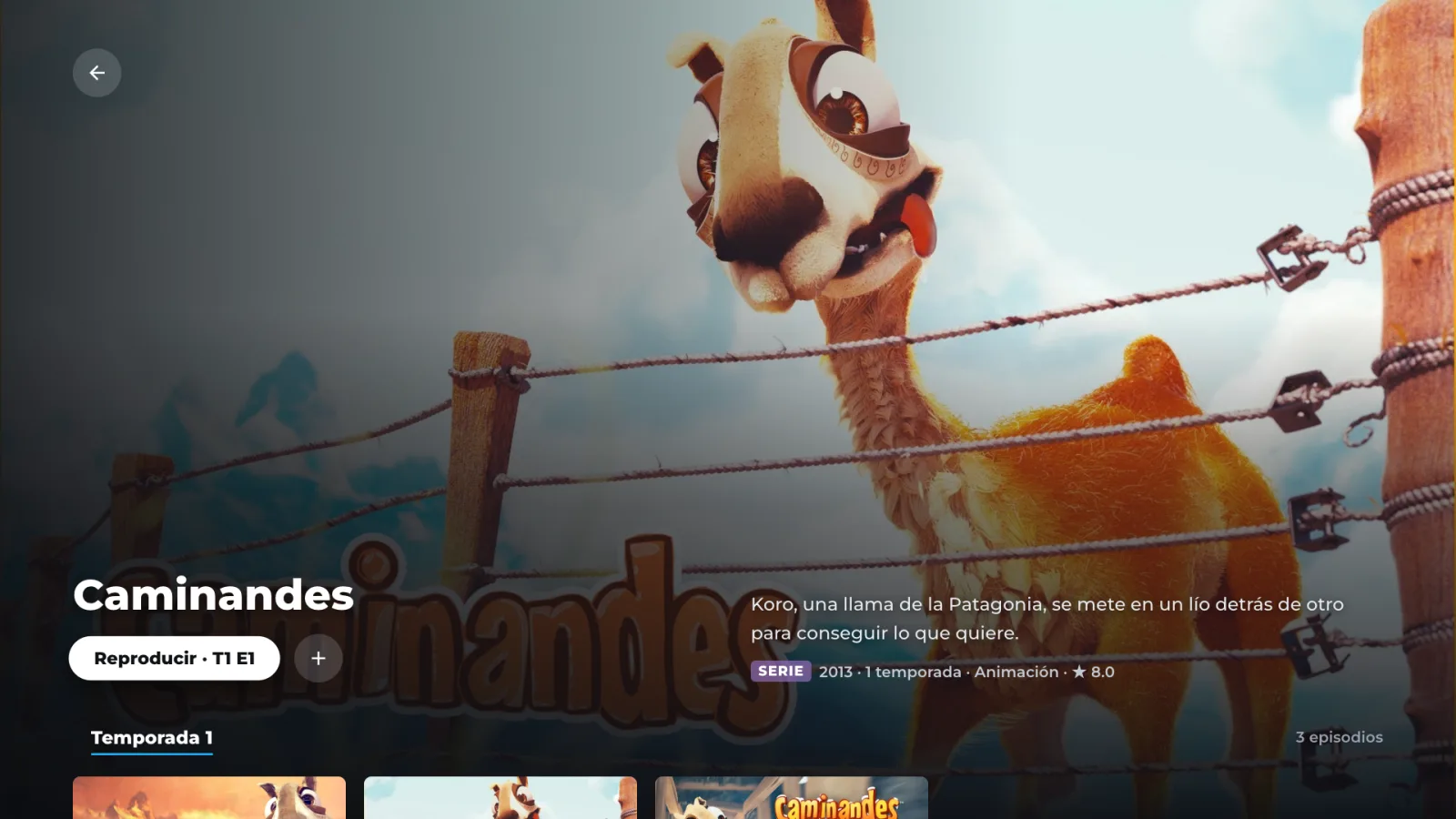
Your list has never looked like this.
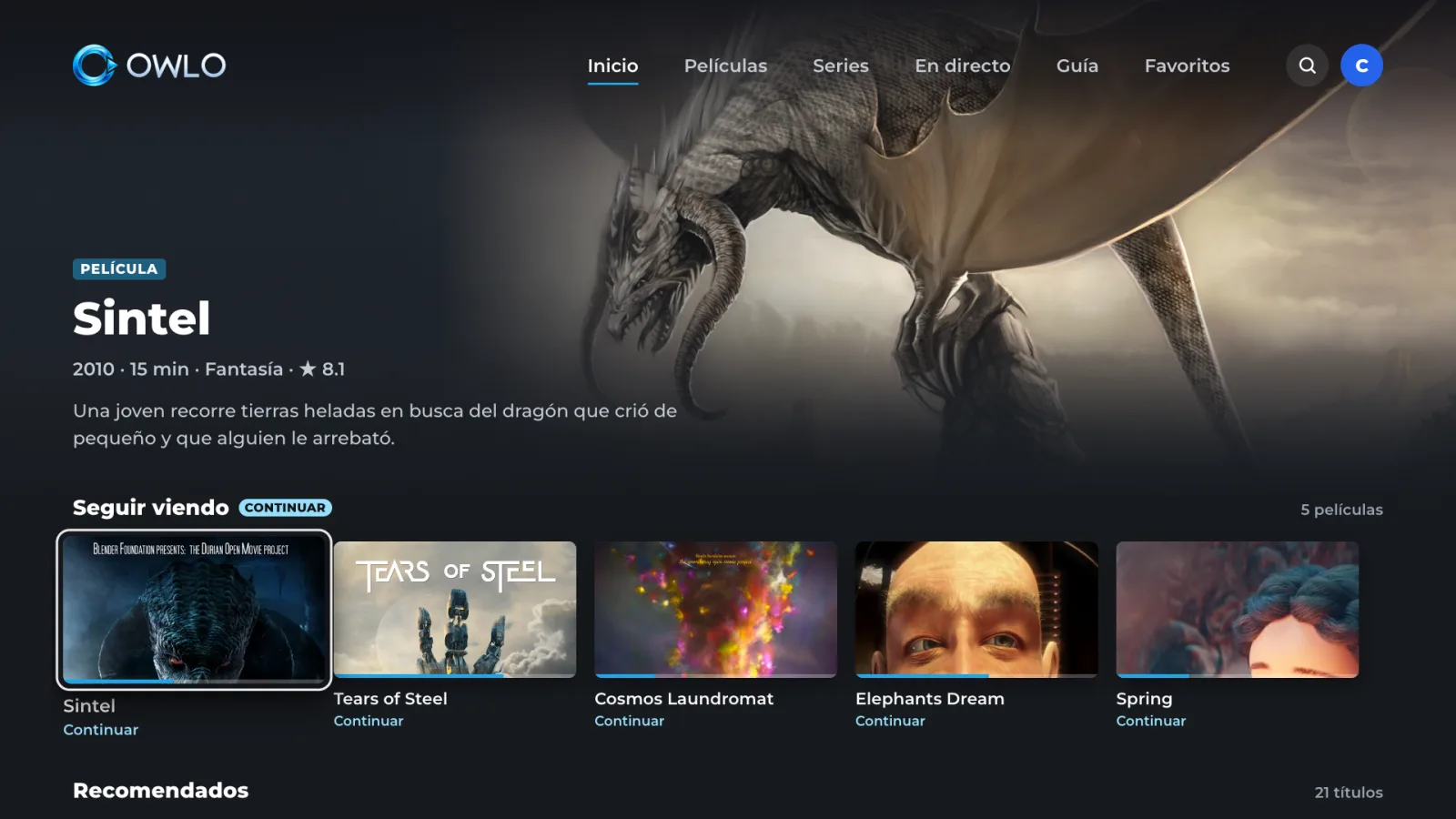
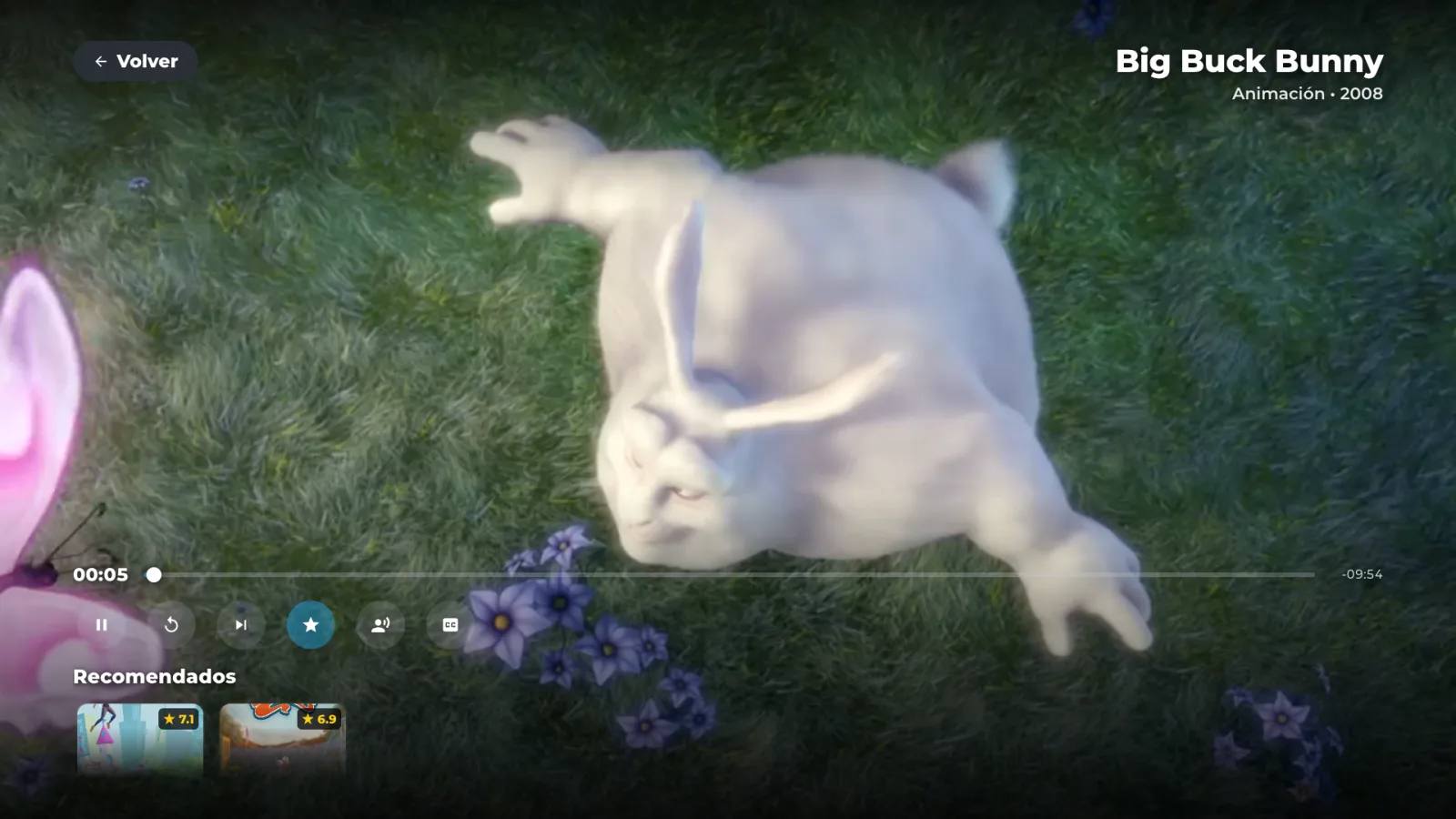
Full-screen posters and backdrops, rows, and title pages with seasons and episodes. A streaming interface for what you already have.
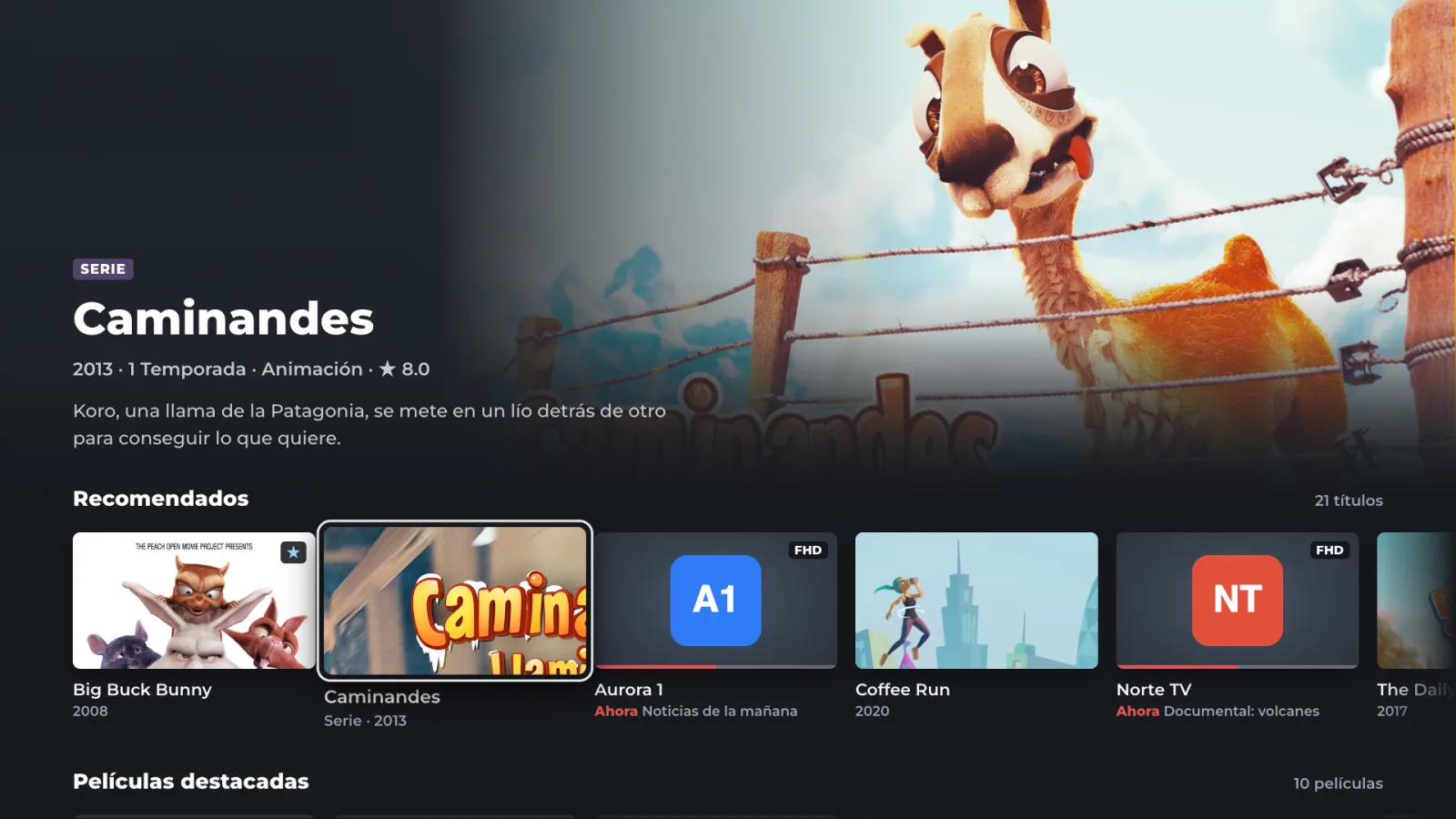
No stutter, even on modest TVs.
Fast start-up and smooth navigation with the remote, tested on Hisense TVs.
- ##### MOVIES HD #####
- UK| North Channel FHD ⱽᴵᴾ
- UK| North Channel HD
- UK| North Channel SD (B)
- ##### SERIES #####
- UK| The Lookout S01 E03
- |US| Sun Radio TV
- Live · Movies
- North Channel3 versions
- Sun Radio TV
- Series
- The LookoutS1 · E3
Clean names, everything in its place.
Movies, series and live TV kept apart. Versions grouped, categories pinned to the top, genres, search and a “now / next” guide.
And also
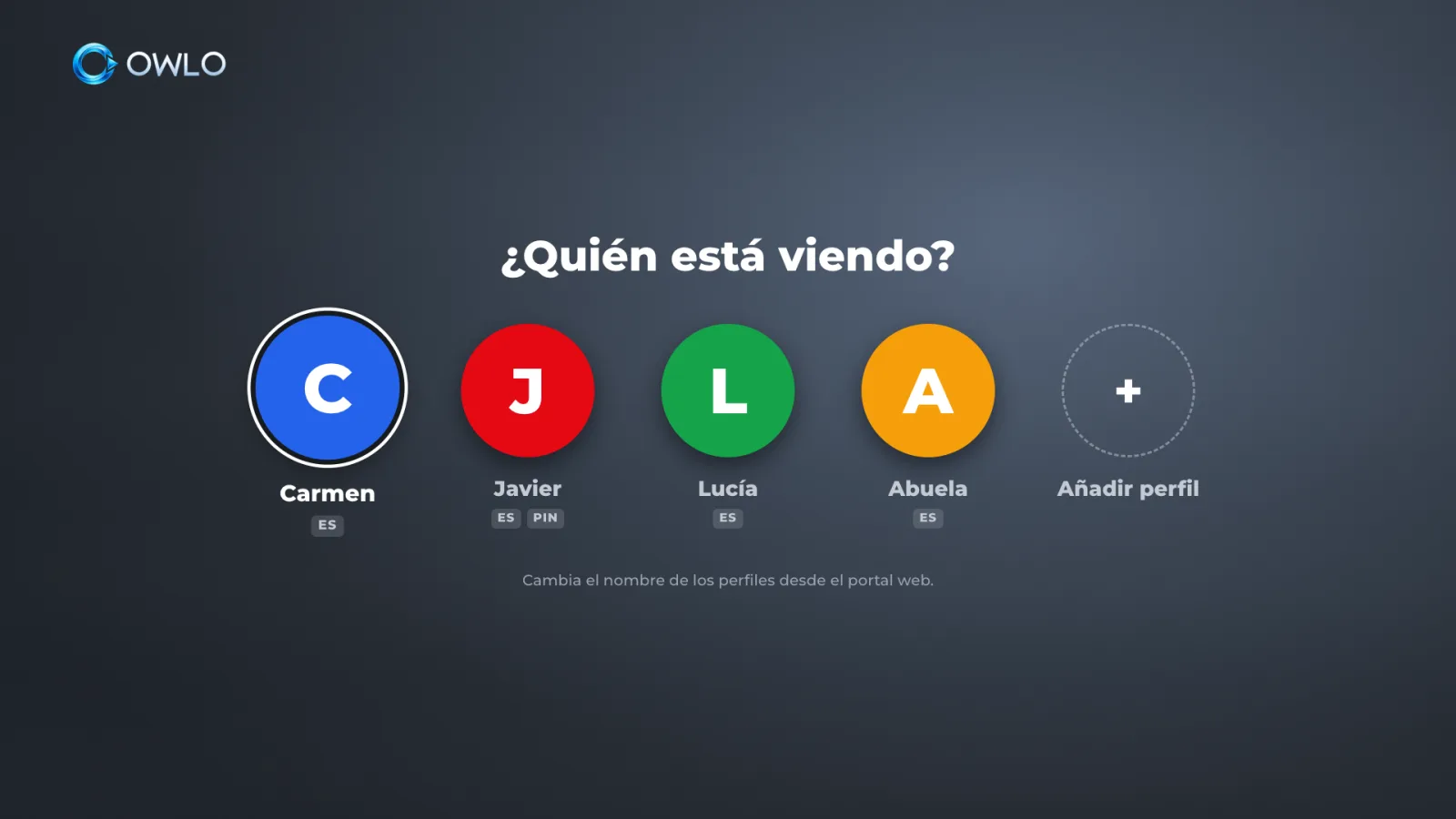
A profile for everyone. Kids get a PIN.
Avatar and content language per profile, plus parental controls.
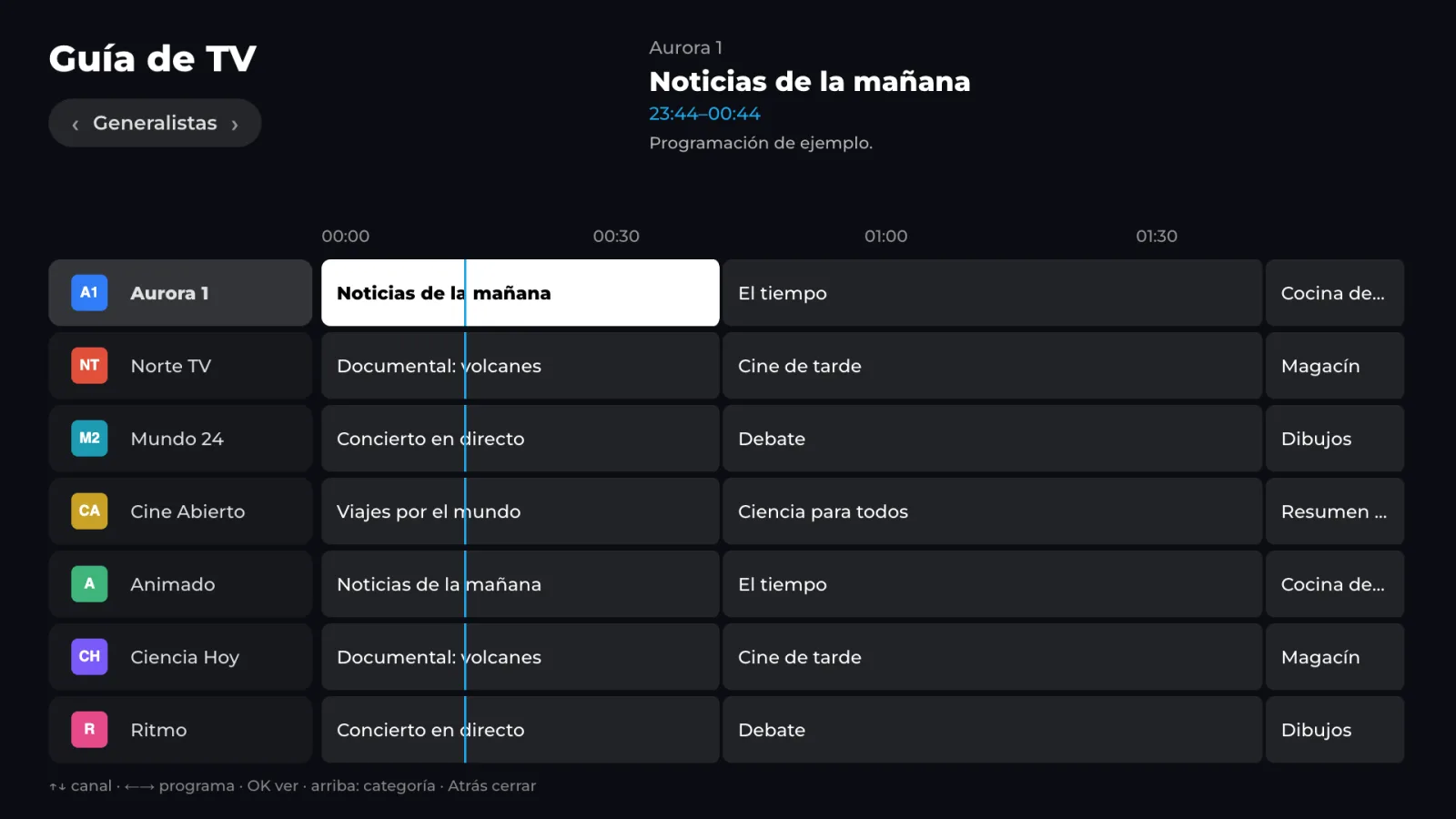
“Now / next” guide
What’s on each channel and what comes next, without leaving live TV.
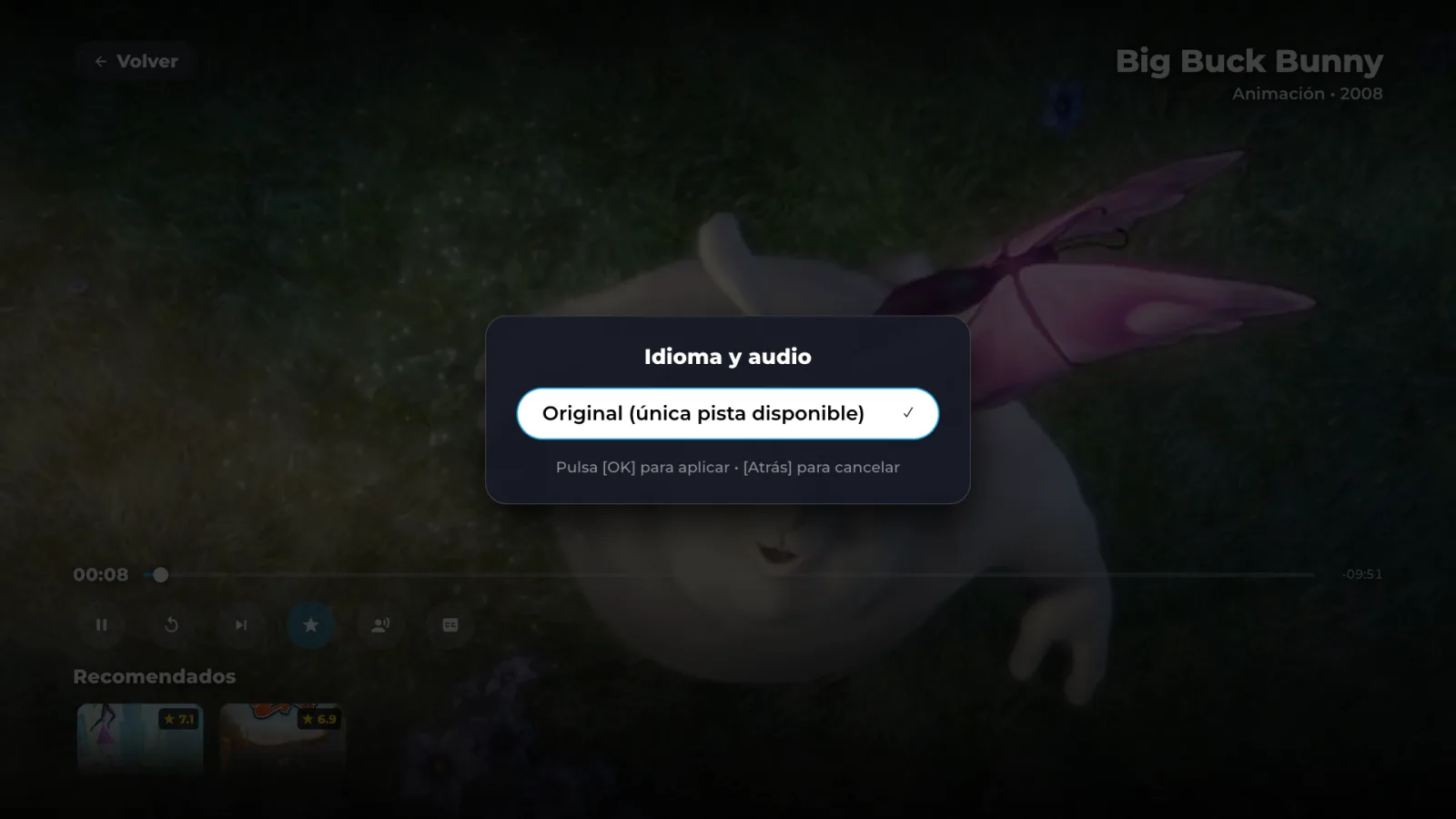
Real audio and subtitles
Switch language and subtitles in movies and series, with clear names.
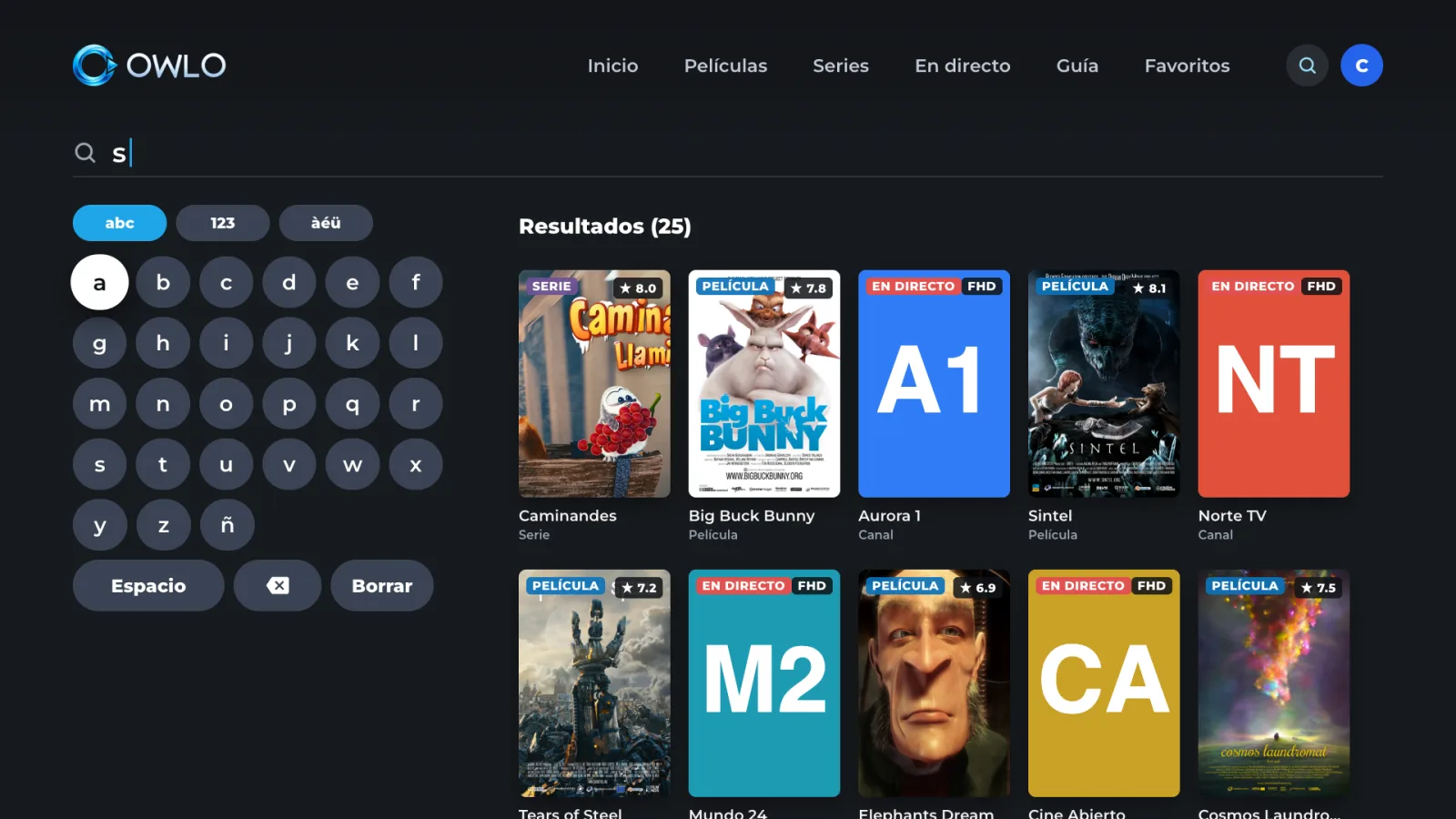
Search and genres
Find a title across your whole list, or browse it by genre.
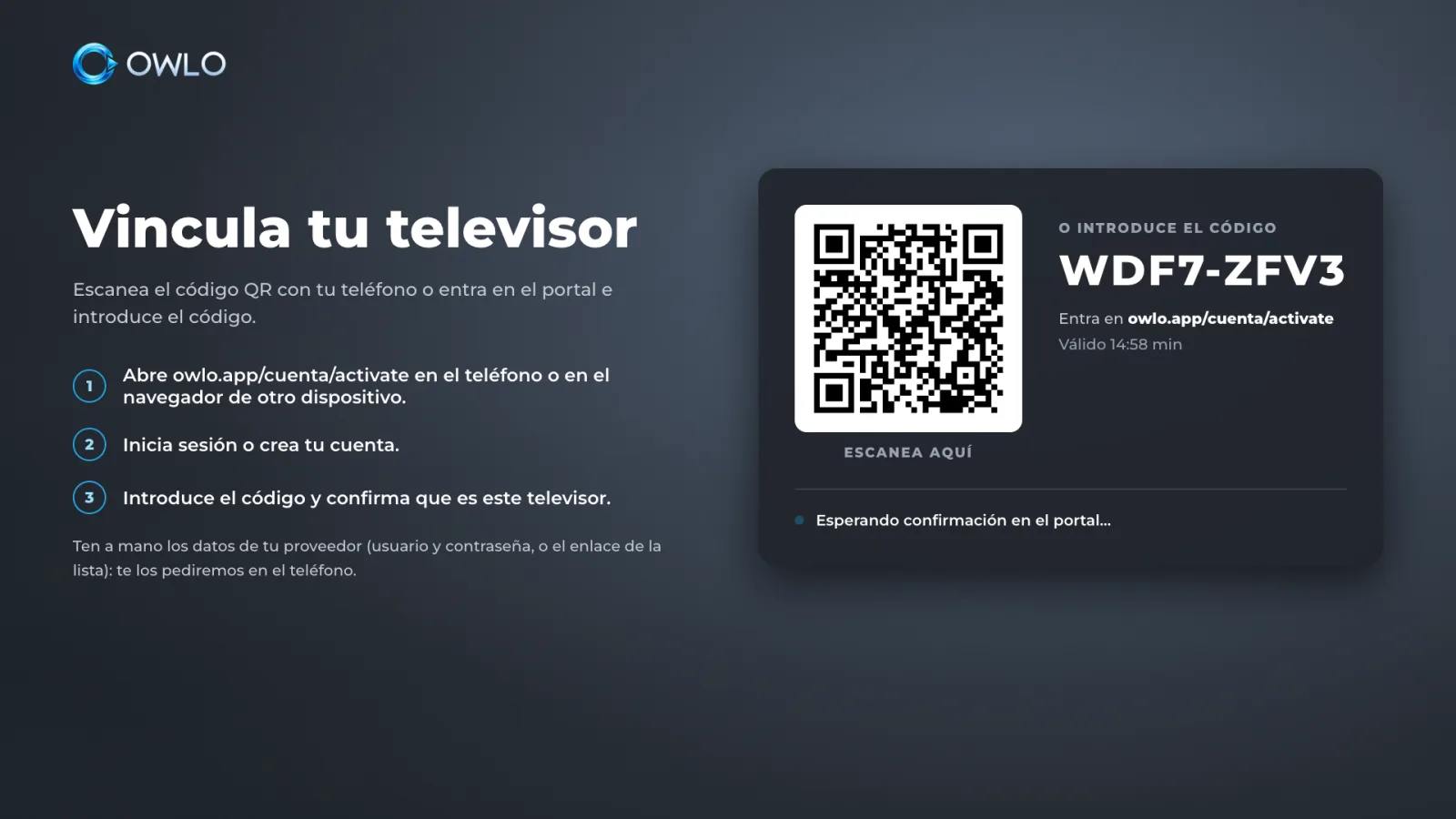
No typing: scan and go
Add your list once on your phone. Every new TV scans a QR code and gets it.
More formats
Plays more than the TV can on its own, and tells you clearly when something can’t be played.
Change your TV without paying again.
One price for the whole household, with all its TVs.
Join the beta. It’s free.
Create your account, add your list and link your TVs. After the beta: a 7-day trial with no card, then US$12 a year or US$2 a month (€12 or €2 in the EU) for the whole household.
Create your accountOwlo is only a player. It does not include or sell channels, movies or lists. You use your own list, from a legal provider.
Terms of use →Frequently asked questions
Does it include channels?
No. Owlo does not provide, sell or recommend content or lists. It is a player: you need your own M3U list or Xtream Codes account from a legal provider.
Does it work on my TV?
Owlo is in beta for Hisense and Toshiba TVs with VIDAA, Samsung, LG and computer browsers. Android TV and Fire TV will come later. If you’re unsure about your model, email us at support@owlo.app.
What is an M3U list?
A link or file with the addresses of the channels and videos your provider gives you. Xtream Codes is another way of delivering the same thing, with a server, username and password.
How many TVs can I use?
Up to 5 TVs per account, plus your computer’s browser. Phone apps will come later with the same account.
What happens if I change my TV?
Unlink the old one from your phone and scan the QR code on the new one. The licence belongs to the account, not the TV: you don’t pay again.
Does it sync between devices?
Yes. Lists, profiles, favourites and “continue watching”, right to the second you left off.
How much does it cost?
Nothing during the beta. Afterwards there will be a 7-day trial with no card and two options for the whole household: US$12 a year or US$2 a month (€12 or €2 in the EU). You can cancel from your account at any time.
What do you do with my data?
We keep only what your account needs to work, with no tracking cookies. Your list details are stored encrypted. Details in Privacy.